AI Tools You Can't Ignore in 2026 If You Want to Work Faster
Discover the essential AI tools dominating 2026 that will transform your productivity. From ChatGPT to Cursor, learn which tools will help you work faster and smarter.

In 2026, the remote work landscape has evolved dramatically beyond the basic video call era. The defining trend is now Asynchronous Productivity—leveraging AI to ensure you don't need to be online simultaneously with your team to stay informed, contribute meaningfully, and maintain productivity. This shift has fundamentally changed how distributed teams collaborate, communicate, and accomplish work together while respecting individual schedules, time zones, and work preferences.
This transformation means remote workers can finally escape the tyranny of constant availability. Instead of being chained to Slack, perpetually available for synchronous meetings, or working odd hours to overlap with distant colleagues, modern remote workers use AI tools to create flexible workflows that accommodate everyone's optimal working hours while maintaining team cohesion and project momentum.
💡 The future of remote work isn't about being online at the same time—it's about contributing effectively on your own schedule while keeping teams aligned.
The evolution from synchronous to asynchronous work represents more than just a technological shift—it's a philosophical change in how we approach collaboration. Traditional remote work tried to replicate office environments through constant video calls and real-time chat. This approach failed to leverage the primary advantage of remote work: flexibility.
Asynchronous productivity embraces the reality that your best thinking might happen at different times than your colleagues. It recognizes that deep work requires uninterrupted focus, and that not every question needs an immediate answer. Most importantly, it acknowledges that requiring everyone to be available simultaneously defeats much of the purpose of remote work.
AI tools have made this shift possible by handling the translation between synchronous and asynchronous modes. They can capture, summarize, and communicate context so effectively that you can catch up on a meeting you missed in five minutes rather than spending an hour in real-time. They can turn your thoughts into clear communication without requiring you to schedule a call. They can manage the complex coordination needed to keep projects moving across time zones without human intervention.
Loom AI : Visual Communication Without Meetings
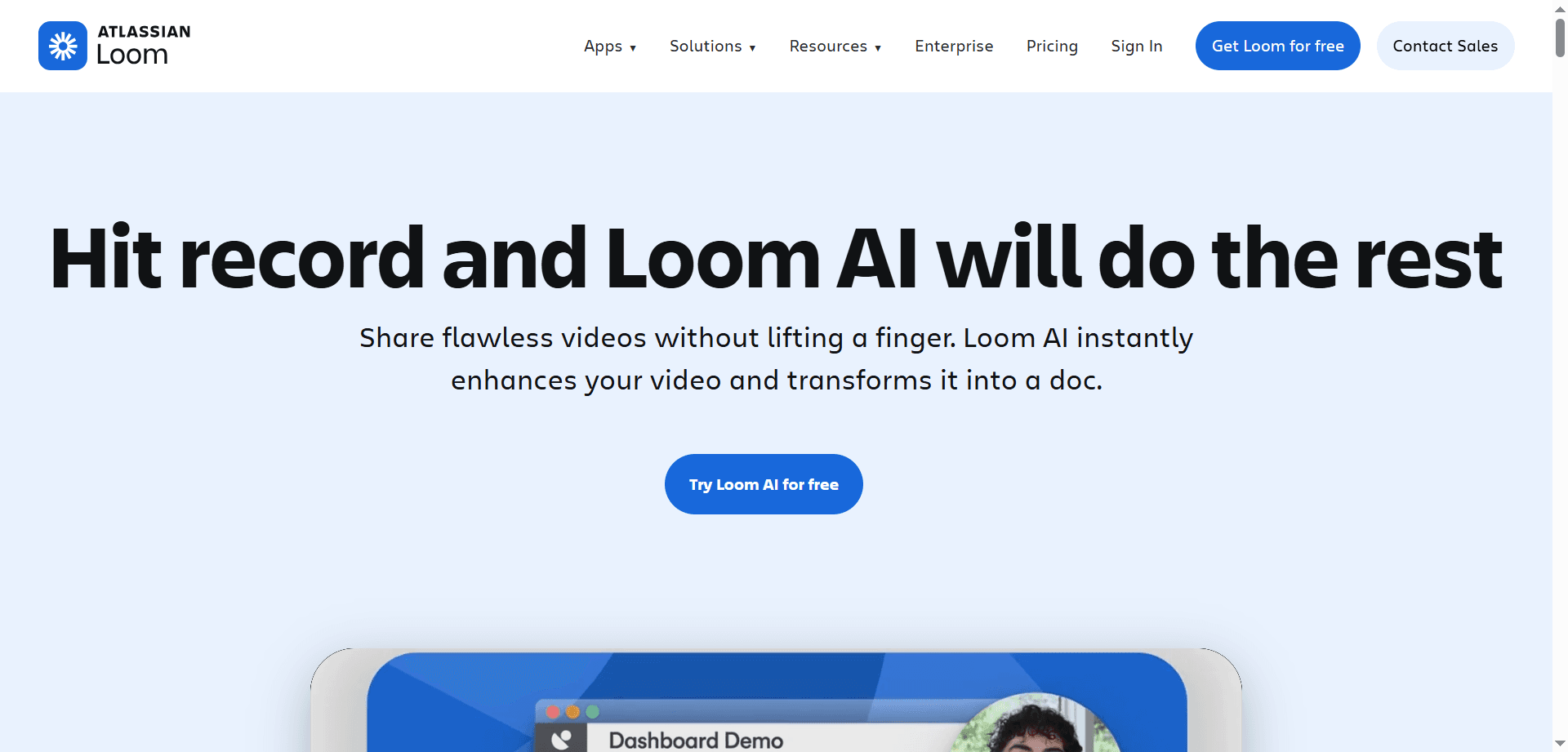
Loom AI has revolutionized how remote workers communicate complex information. Instead of writing lengthy emails or scheduling meetings to explain processes, you simply record your screen while talking through your thoughts. The AI then transforms this raw recording into a polished, organized communication package.
The system automatically generates descriptive titles based on your content, creates chapter markers at natural transition points, and produces actionable summaries that recipients can scan in seconds. Most impressively, it can convert your video explanation into a step-by-step written document for team members who prefer reading or need to reference specific steps later.
This transformation of video into multiple formats means one recording serves everyone's communication preferences. Visual learners watch the video, readers get the document, and busy colleagues scan the summary. You communicate once, asynchronously, and reach everyone effectively.
For remote workers explaining technical processes, giving feedback on designs, or providing context about decisions, Loom AI eliminates the need for meetings while actually improving communication quality through its structured, referenceable format.
Bubbles : Conversational Asynchronous Collaboration
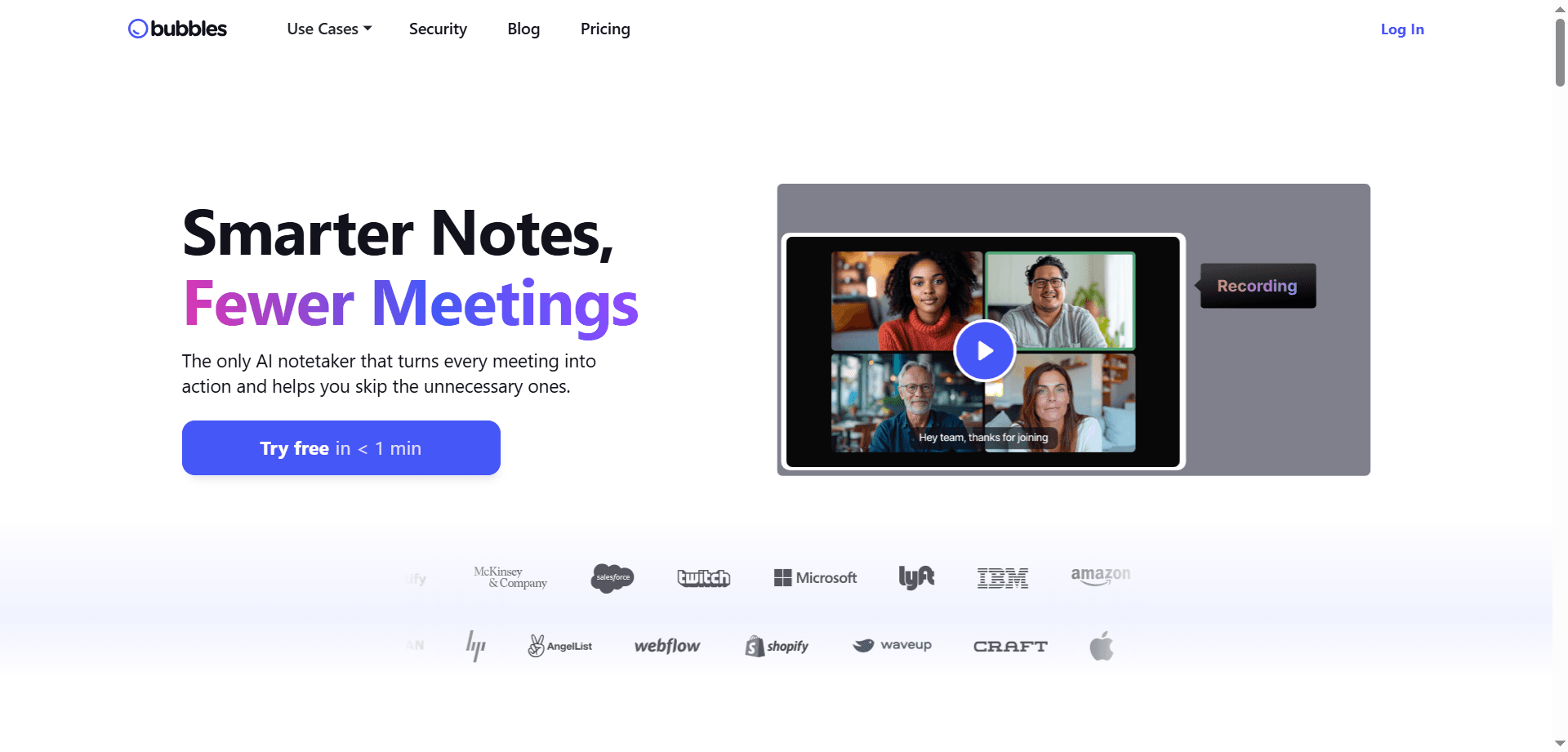
Bubbles has emerged as a rising favorite for teams that want the richness of conversation without the constraint of real-time availability. The platform allows you to leave video or voice comments on specific parts of a screen, creating threaded conversations that unfold at each participant's own pace.
Unlike traditional comments that lack tone and context, Bubbles captures your facial expressions and voice inflection, making async communication feel more human and reducing misunderstandings. The spatial nature of comments—attached to specific screen locations—ensures feedback is precise and contextual.
This approach works beautifully for design reviews, code reviews, document feedback, and strategic discussions. Team members can contribute thoughtfully when they have time to think, rather than feeling pressured to respond immediately in a meeting. The result is often higher-quality input from people who might not speak up as readily in synchronous settings.
Guidde : AI-Powered Training Documentation
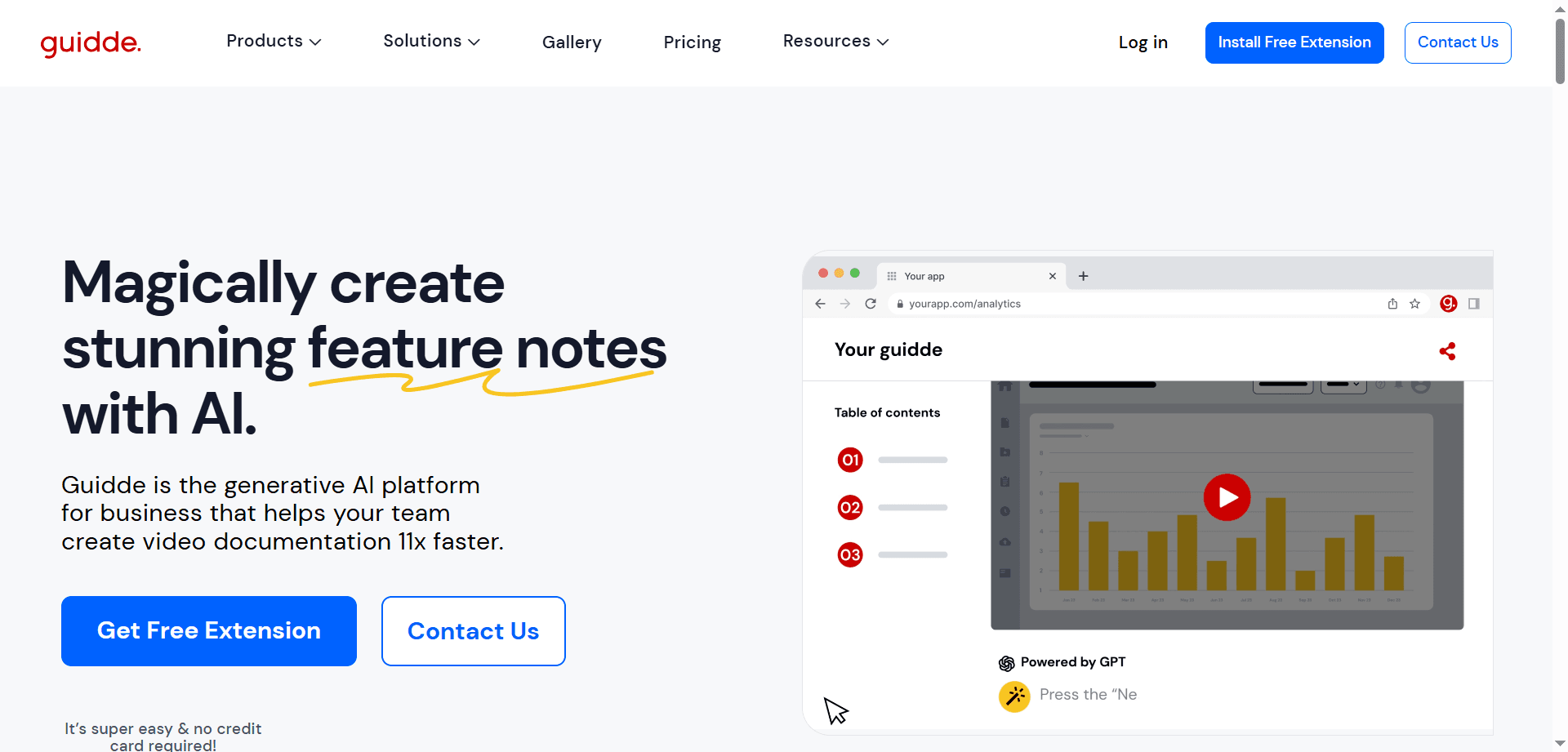
For team members who frequently help others with technical questions or processes, Guidde has become indispensable. The tool watches your screen as you perform a task, then uses AI to transform that recording into a professional how-to video complete with polished voiceover.
This automated documentation creation solves one of remote work's biggest challenges: knowledge transfer. Instead of repeatedly explaining the same process via video call or written instructions, you create it once in Guidde and share it permanently. New team members can onboard themselves, and existing members can reference the guides whenever needed.
The professional quality of Guidde's output means you can create training materials that rival those produced by dedicated instructional designers, without requiring video editing skills or significant time investment. For remote teams, this democratizes knowledge sharing and ensures everyone has access to clear, visual instructions regardless of when they join or what questions they have.
Krisp AI : Professional Communication From Anywhere
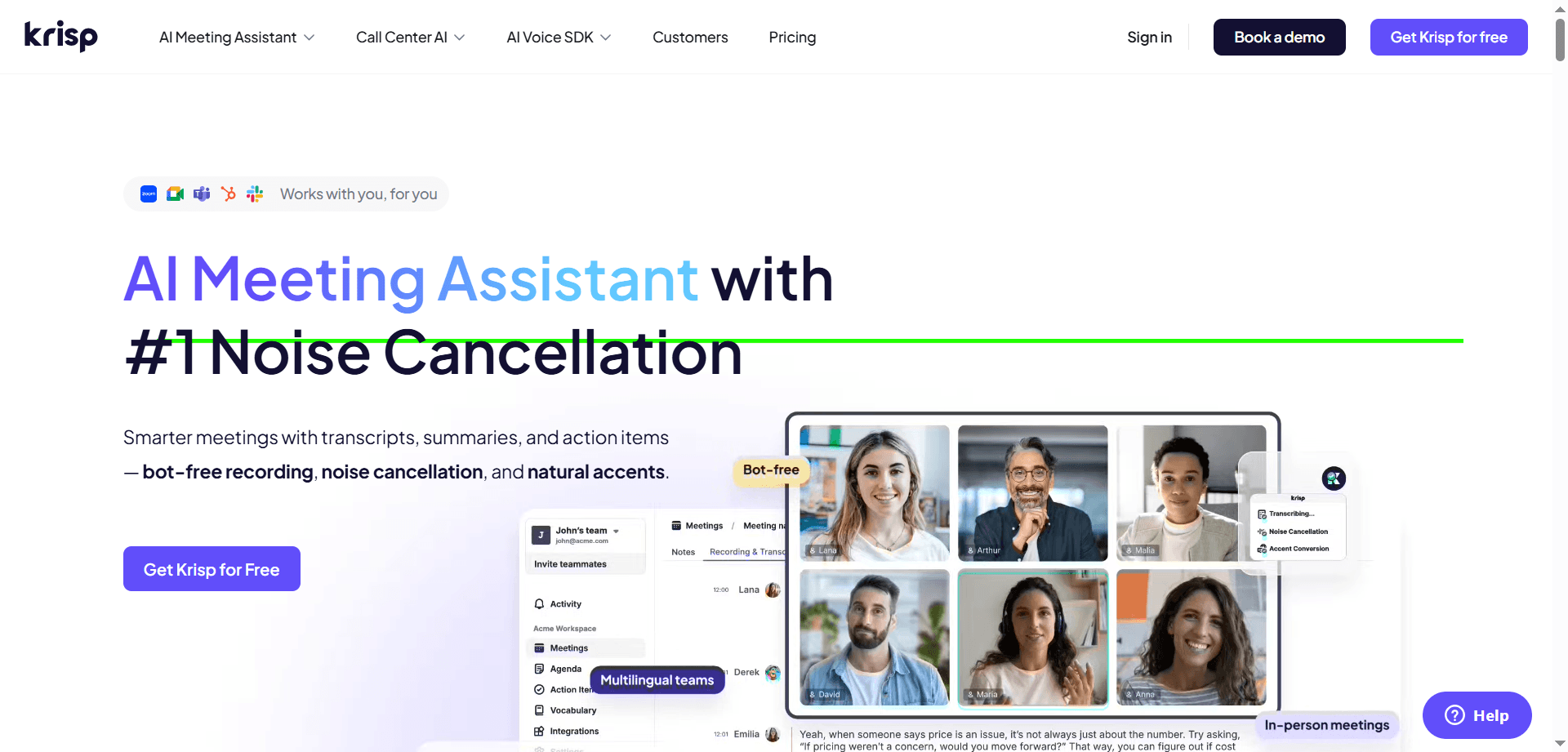
Krisp AI has evolved far beyond simple noise cancellation to become an essential tool for remote workers operating from non-ideal environments. The 2026 version addresses multiple challenges that plague remote communication.
The noise cancellation remains best-in-class, eliminating not just barking dogs but construction noise, children playing, traffic sounds, and other environmental distractions. This allows remote workers to maintain professionalism regardless of their physical location—crucial for those working from home, coffee shops, or while traveling.
The new Accent Conversion feature represents a significant advancement in global collaboration. It subtly adjusts pronunciation and cadence in real-time to improve clarity for international teammates, without erasing your identity or making you sound robotic. This feature helps overcome one of the significant challenges of distributed global teams where accent differences can impede clear communication.
Perhaps most valuably, Krisp's Live Insights function provides real-time feedback on your meeting participation. It can tell you if you're dominating the conversation, not contributing enough, or if your speaking pace is too fast or slow. This awareness helps remote workers who lack the nonverbal cues of in-person meetings to calibrate their communication more effectively.
For remote workers who are conscious about audio quality, working from noisy environments, or collaborating across linguistic boundaries, Krisp has become as essential as a good microphone.
Rize : Your AI Productivity Coach
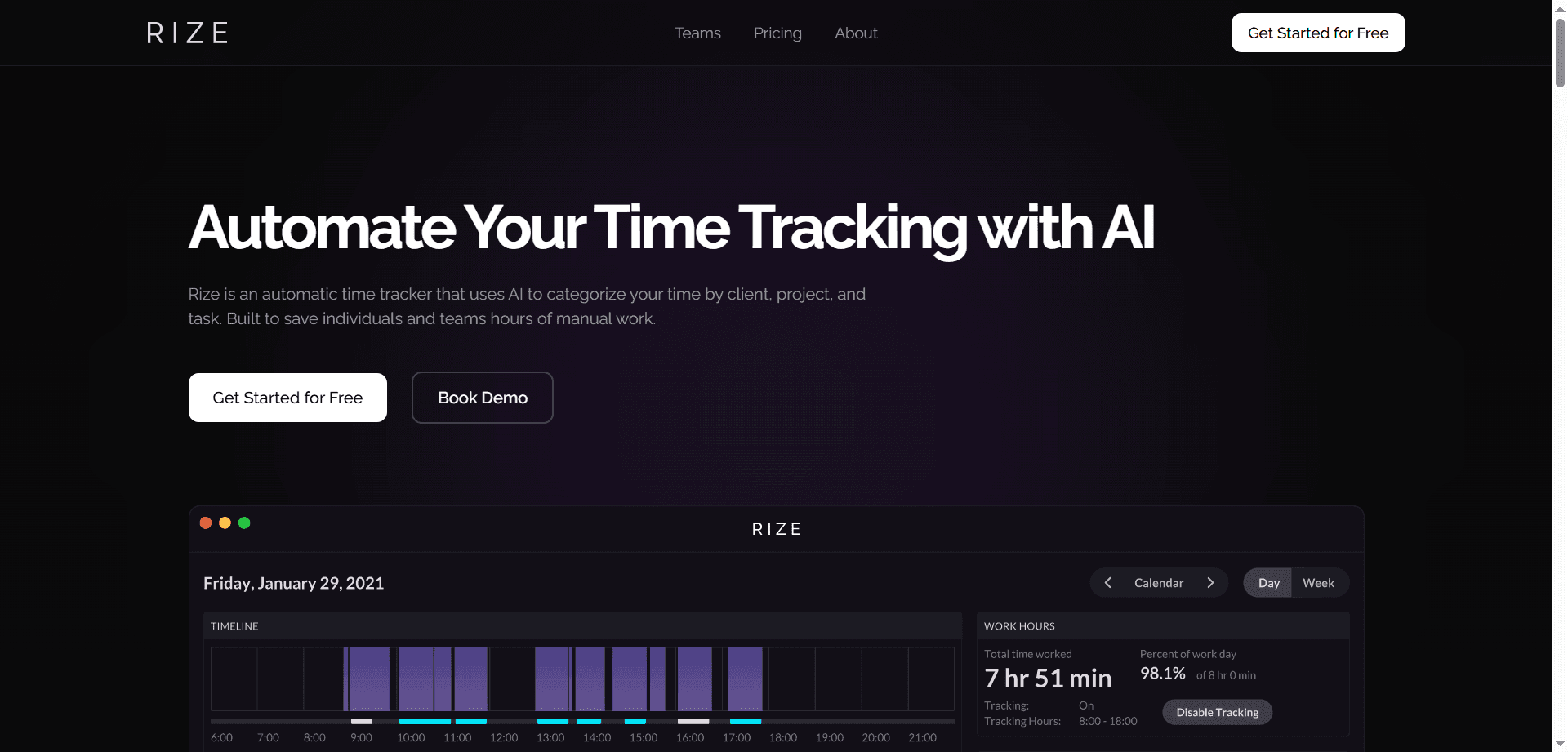
Rize represents a new generation of productivity tracking that focuses on helping rather than surveilling. This AI productivity coach automatically tracks how you spend your time, but more importantly, it actively helps you work better by detecting your productivity patterns and intervening appropriately.
The system identifies when you've entered deep work mode—that state of intense focus where your best work happens—and automatically silences notifications to protect that precious time. This intervention prevents the common remote work problem of having your deepest focus interrupted by a non-urgent Slack message.
Equally important, Rize monitors signs that your focus is declining and sends break reminders at appropriate moments. For remote workers who struggle with overwork because their office and home are the same space, these break prompts help maintain healthy work boundaries and prevent burnout.
The insights Rize provides help you understand your true productivity patterns. Many remote workers discover they actually work more hours than they realize, or that their most productive time isn't when they thought. This self-awareness enables better scheduling decisions and helps you advocate for work arrangements that match your natural rhythms.
Brain.fm / Endel : AI-Generated Focus Soundscapes
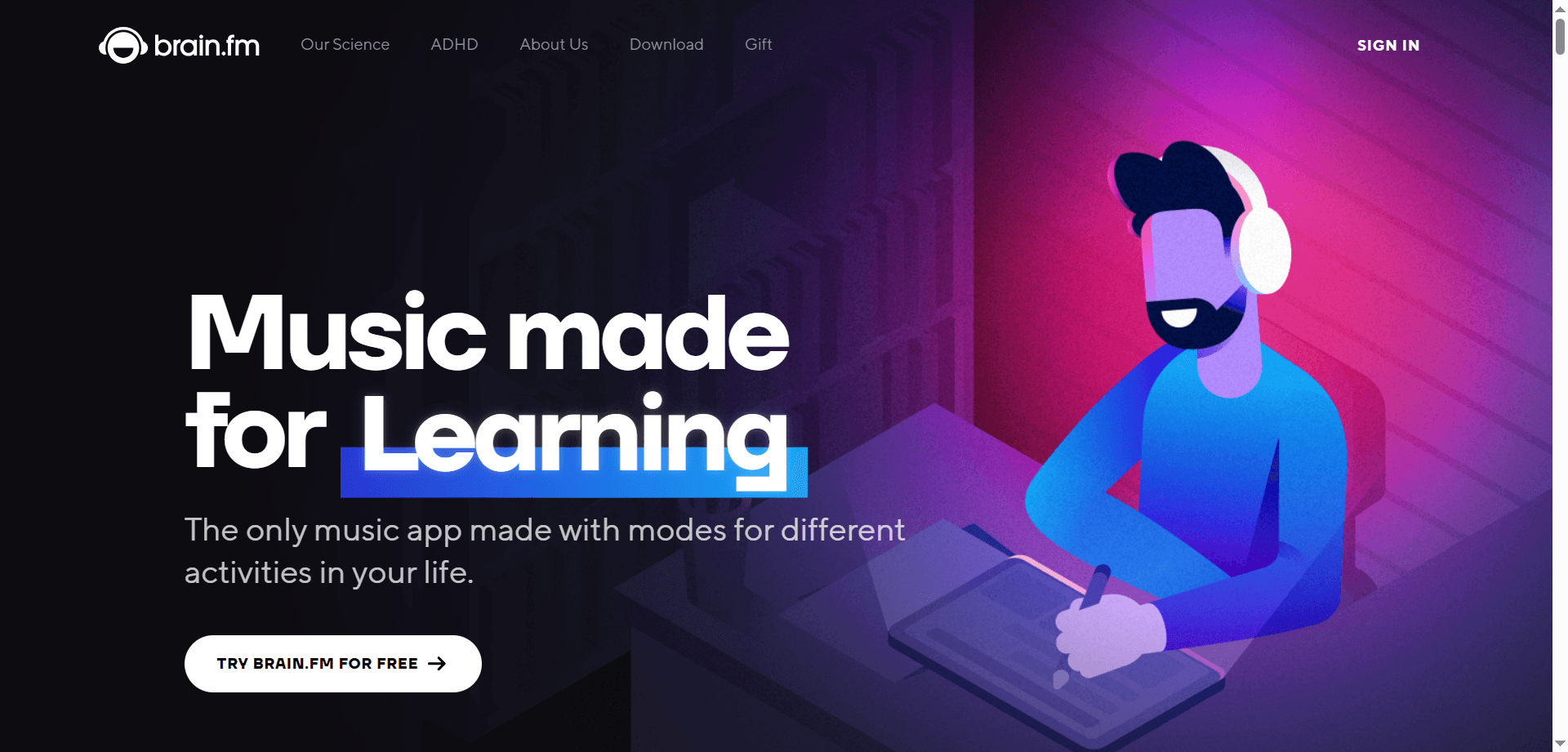
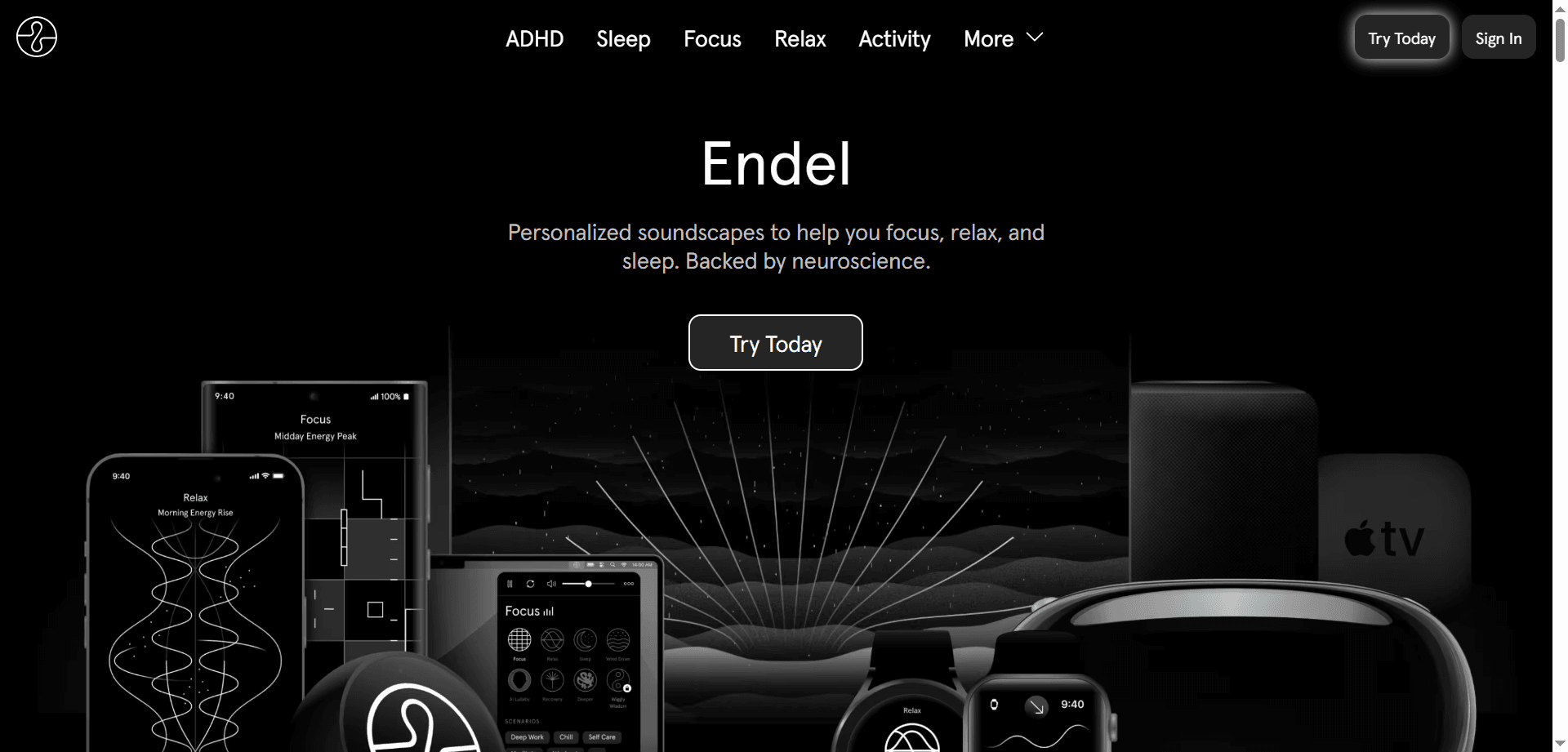
Brain.fm and Endel use AI to create personalized audio environments designed to enhance focus, relaxation, or sleep. Unlike standard music playlists, these tools generate soundscapes that adapt to your current needs and even your biometric data when connected to smartwatches.
The systems monitor your heart rate and activity patterns to adjust the audio in real-time, creating an optimal environment for the task at hand. When you need intense focus, the soundscape builds subtle elements that help maintain concentration. When you need to wind down, it shifts to more relaxing patterns.
For remote workers dealing with varying acoustic environments—quiet apartments that feel too silent, noisy neighborhoods, or the ambient sounds of coffee shops—these AI-generated soundscapes provide consistent, productivity-enhancing audio regardless of physical location.
The effectiveness comes from the AI's understanding of how different sound patterns affect cognitive performance. These aren't just pleasant sounds; they're scientifically-informed audio environments designed to help you reach and maintain flow states longer.
Reclaim.ai : Your Smart Calendar Guardian
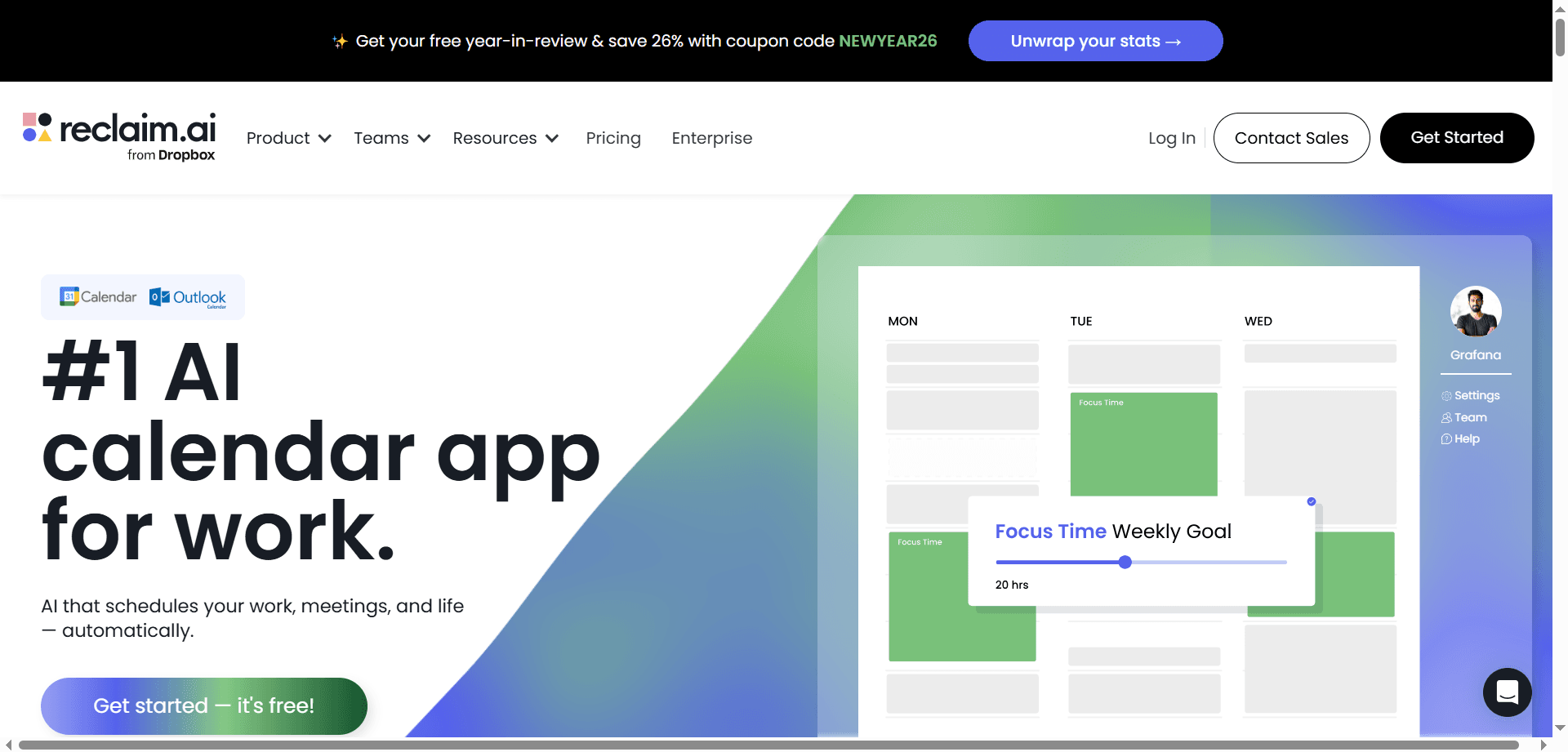
Reclaim.ai has become the trending solution for remote workers struggling to maintain work-life boundaries when meetings constantly encroach on personal time. This smart calendar automatically reschedules your habits, tasks, and personal commitments when work meetings are booked over them.
If you've blocked lunch from noon to one but a colleague schedules a meeting during that time, Reclaim automatically moves your lunch block to another available slot. Your gym session, focus time for a project, or daily walk gets protected and rescheduled rather than simply deleted.
This automation ensures your personal routines don't get erased by work demands—a critical protection for remote workers whose home and office exist in the same physical space. The system maintains the healthy boundaries that naturally existed when commuting to an office created physical separation between work and life.
Reclaim also optimizes your schedule for productivity by recognizing patterns in when you work best on different types of tasks. It learns that you're most creative in the mornings and schedules deep work accordingly, while placing administrative tasks during your lower-energy periods.
Motion : The Happiness Engine for Daily Planning
Motion has earned its nickname as the "Happiness Engine" by eliminating one of remote work's most stressful aspects: constantly replanning your day as new tasks and meetings appear. The AI builds your daily schedule automatically and adjusts it in real-time whenever something changes.
When a new urgent task arrives or an unexpected meeting gets scheduled, Motion instantly reorganizes your entire day to accommodate the change while ensuring everything important still gets done. You never have to manually shuffle tasks or worry about whether you'll meet deadlines.
This dynamic scheduling reduces the cognitive load of constant prioritization decisions that exhaust remote workers. Instead of spending mental energy figuring out what to work on next, you simply follow Motion's schedule, confident that it has optimally arranged your day based on deadlines, priorities, and available time.
For remote workers juggling multiple projects, Motion provides the organizational structure that prevents important work from falling through the cracks while maintaining a sustainable pace.
Clockwise : Optimizing Team Focus Time
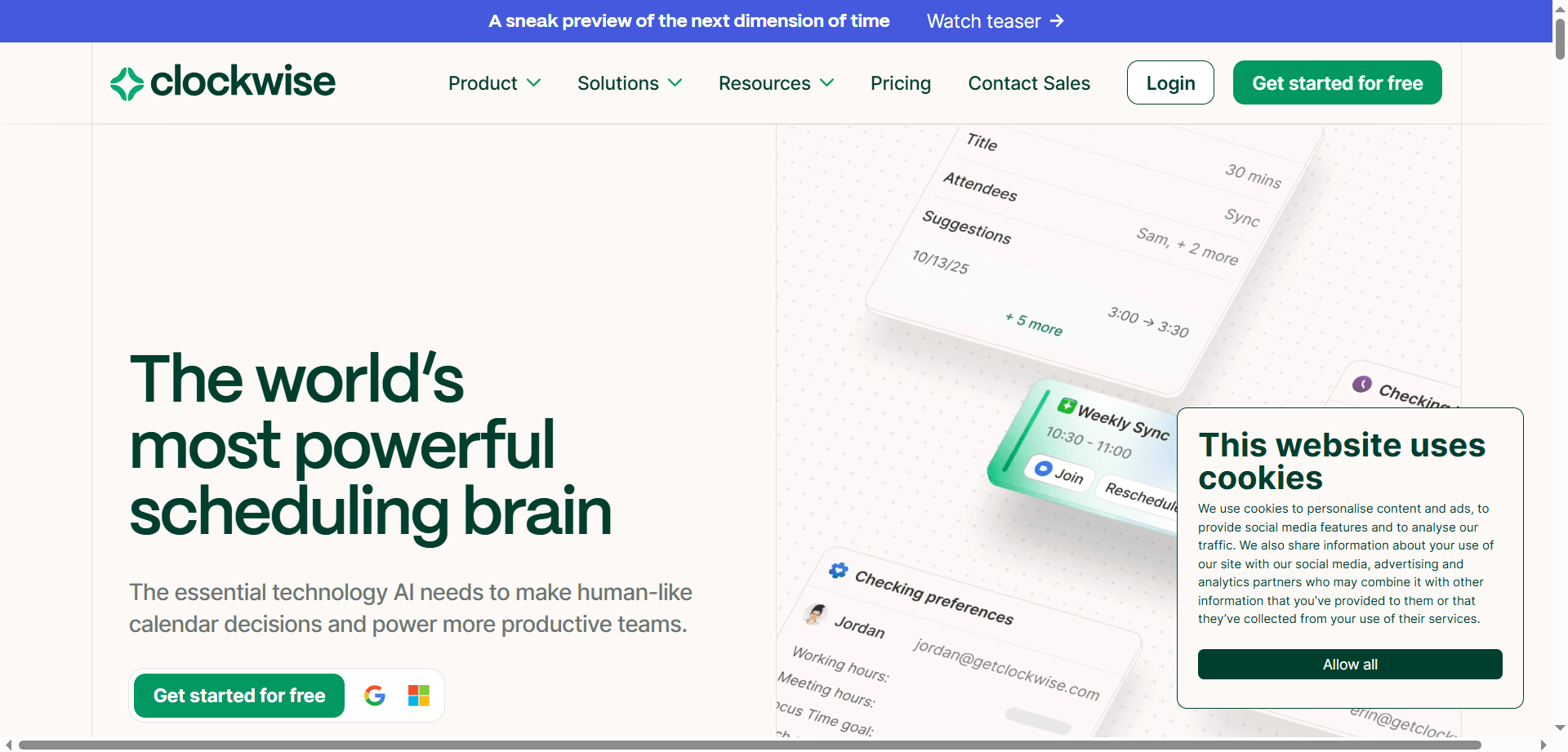
Clockwise takes calendar management beyond individual optimization to address team-level coordination. The system analyzes everyone's calendar and automatically moves meetings to create large, uninterrupted blocks of focus time for the entire team simultaneously.
This coordinated approach solves a major remote work challenge: even if you protect your own focus time, you're still interrupted by Slack messages from colleagues who are in meetings during your focus blocks. Clockwise ensures everyone has focus time together, dramatically reducing the ping-pong effect of asynchronous messages.
The AI balances many constraints—meeting priorities, participant availability, time zone differences, individual preferences—to find optimal arrangements that maximize productive time for everyone. This team-level optimization creates periods of deep collaboration when everyone is available, and periods of deep focus when everyone is working independently.
Otter.ai / Fireflies : Your Meeting Delegates
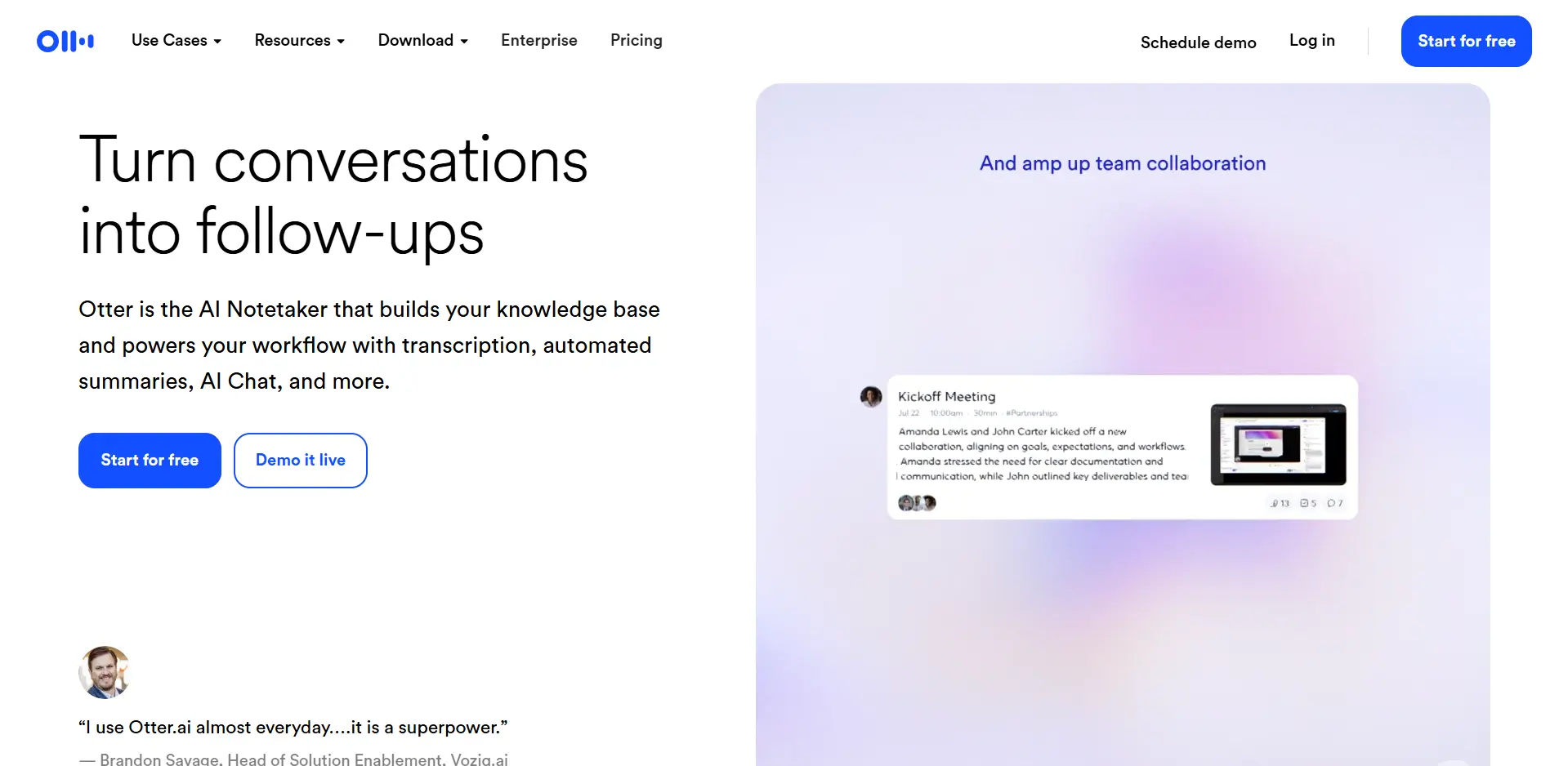
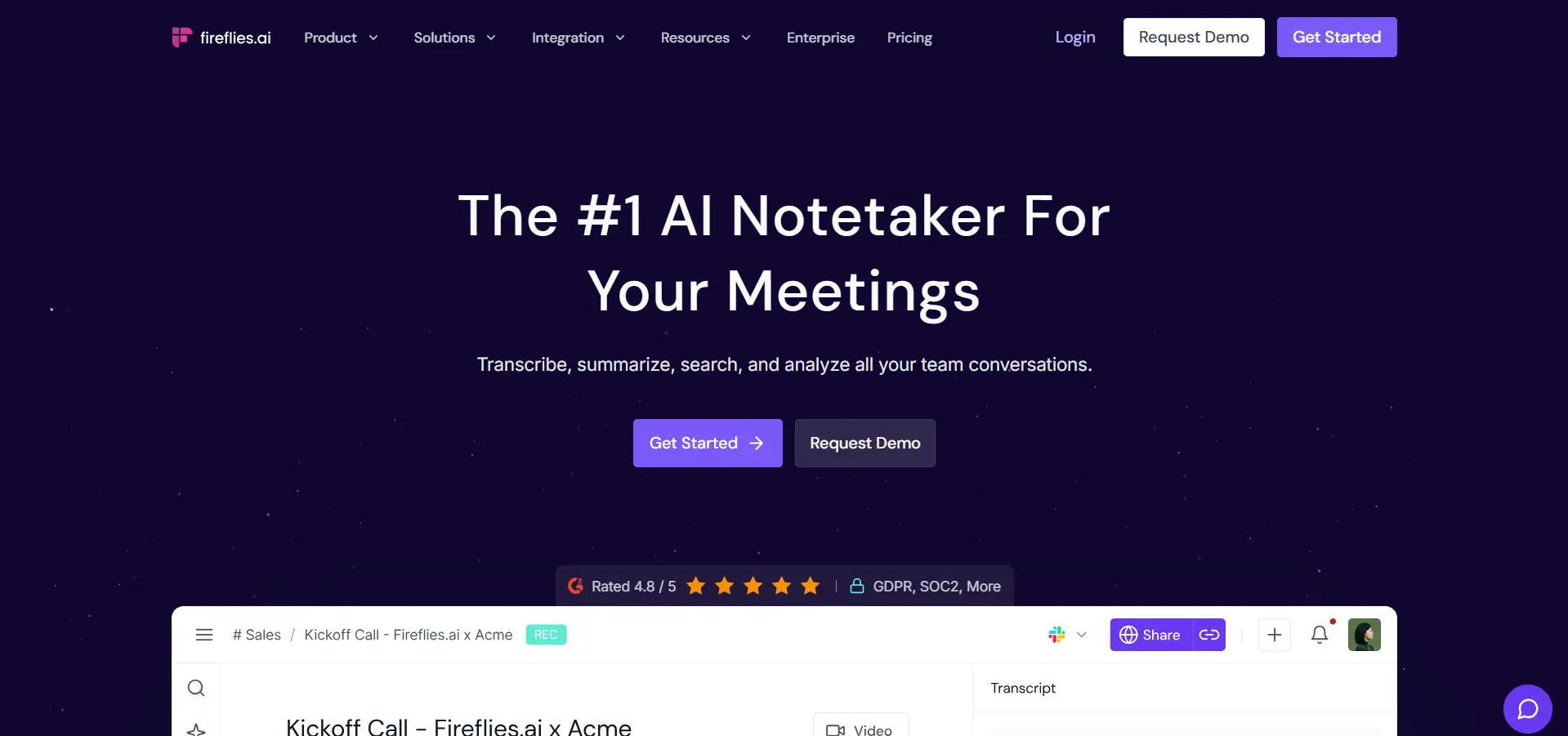
Otter.ai and Fireflies have evolved from simple transcription services into full "Meeting Agents" that can represent you when you can't attend. You can send your AI assistant to meetings, where it will record everything, generate summaries, and even answer questions based on your previous notes and communications.
This capability is transformative for remote workers dealing with meeting overload or time zone conflicts. Instead of attending every meeting or being left out of important discussions, your AI agent participates on your behalf. You review the summary later when it fits your schedule and contribute asynchronously where your input is needed.
The agents learn your communication style, areas of expertise, and common responses over time. When asked a straightforward question during a meeting you're not attending, your agent can provide an appropriate response based on your previous inputs, flagging more complex questions for your personal attention later.
This technology enables truly asynchronous participation in team discussions, allowing remote workers to contribute meaningfully to projects without being online during specific hours. It's particularly valuable for teams spanning multiple continents where finding overlapping working hours is challenging.
Superhuman : AI-Powered Email Efficiency
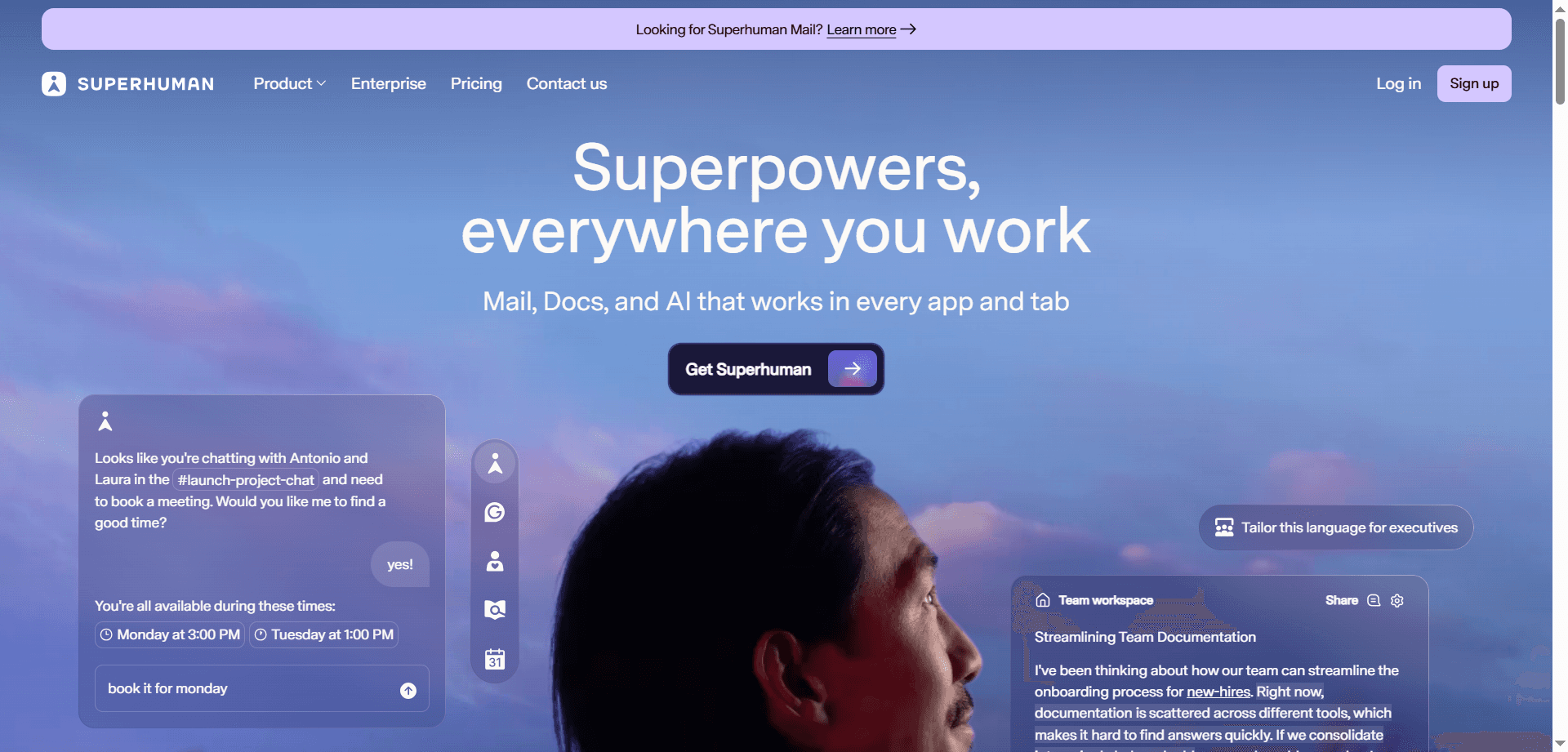
Superhuman has established itself as the fastest AI email client, helping remote workers achieve the mythical "Inbox Zero" through intelligent automation. The 2026 "Auto-Draft" feature can compose entire email replies based on just a few words you type, dramatically accelerating email processing.
If you type "yes, let's meet," Superhuman generates a complete, contextually appropriate response suggesting times and confirming your interest. For routine emails, this means you can process your inbox in minutes rather than hours, freeing up time for more valuable work.
The system learns your writing style, common responses, and email patterns to ensure generated drafts sound authentically like you. For remote workers drowning in email—a common challenge when written communication replaces hallway conversations—Superhuman provides the efficiency needed to stay on top of messages without sacrificing personalization.
Grammarly Business : Cultural Sensitivity in Global Communication
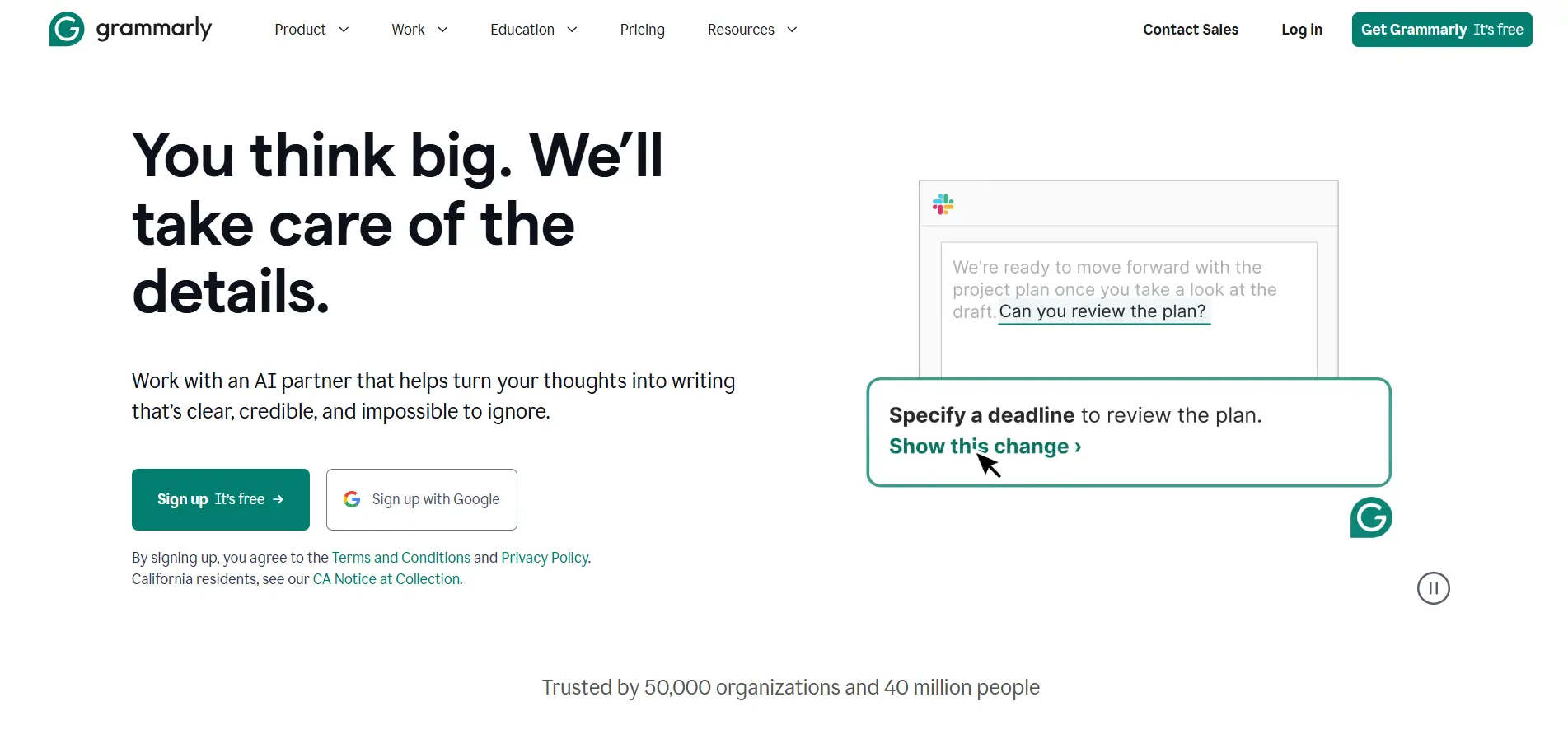
Grammarly Business has expanded beyond grammar checking to address one of remote work's subtle challenges: ensuring your written communication is appropriate for a global, culturally diverse workforce. The Cultural Sensitivity checks flag potentially problematic phrases, idioms that don't translate well, or communication approaches that might be misinterpreted across cultures.
For remote teams spanning multiple countries and cultures, this feature prevents unintentional miscommunication or offense. What reads as direct and efficient in one culture might seem rude in another. Grammarly helps you navigate these differences, ensuring your written communication builds rather than undermines team cohesion.
The tool also provides clarity and conciseness suggestions particularly valuable for international teams where English may be a second language for many members. Clear, straightforward writing reduces confusion and improves team efficiency.
🔥 Best Used For: Explaining complex tasks visually without scheduling synchronous time. Perfect for product demos, bug reports, feedback on designs, and process walkthroughs.
🔥 Best Used For: Maintaining professionalism while working from noisy homes, coffee shops, or while traveling. Essential for client calls and important meetings.
🔥 Best Used For: Keeping your lunch breaks, exercise routines, and personal commitments sacred despite meeting requests. Maintains work-life boundaries in remote settings.
🔥 Best Used For: Understanding how much you actually work (often more than you think) and ensuring you take appropriate breaks. Helps remote workers maintain sustainable pace.
🔥 Best Used For: Automatically organizing your day and adapting to changes in real-time. Perfect for workers juggling multiple projects with competing deadlines.
Otter.ai/Fireflies → Core Benefit: Asynchronous meeting participation
🔥 Best Used For: Staying informed about meetings you can't attend and contributing to discussions across time zones without being available 24/7.
Creating an effective asynchronous workflow requires intentional design around communication patterns, tool selection, and team agreements. The goal is maintaining productivity and collaboration without requiring simultaneous availability.
Establish clear expectations about which communications need synchronous responses and which can be asynchronous. Use Loom or Bubbles for explanations and updates that don't require immediate response. Reserve synchronous meetings for decisions requiring real-time discussion or relationship building.
Create guidelines for your team: urgent blockers get Slack messages expecting quick responses, updates and explanations get Loom videos for async consumption, and strategic discussions happen in scheduled meetings with clear agendas.
Make recording and documenting the default rather than the exception. Use Guidde to create permanent resources for common questions. Let Otter or Fireflies capture meeting content so those who couldn't attend can catch up efficiently.
When someone asks a question that others might have, don't just answer privately—create a Guidde tutorial or Loom video that becomes a permanent resource. This investment pays dividends as your team grows and new members need the same information.
Even in asynchronous work, some synchronous time is valuable. Use Clockwise to optimize when your team overlaps, making the most of those hours for real-time collaboration while protecting the rest for independent deep work.
Identify the minimal necessary overlap time for your team—perhaps two hours daily when everyone is available for real-time discussions. Protect this time fiercely for collaboration, and equally protect the non-overlap time for focused work.
Set clear norms about response times. Asynchronous work fails when people still expect immediate responses, creating the worst of both worlds—constant interruptions without the benefit of synchronous collaboration. Agree on expected response windows for different types of communication.
For example: urgent blockers warrant same-day responses, project questions within 24 hours, and general updates need acknowledgment within 48 hours. These explicit expectations prevent anxiety and allow true async work.
Remote teams spanning multiple time zones face unique challenges that AI tools are particularly well-suited to address. The key is embracing asynchronicity rather than fighting it.
Rather than viewing time zones as obstacles, treat them as advantages. Work can progress around the clock as different team members contribute during their optimal hours. Use tools like Motion to ensure handoffs between time zones are smooth and well-documented.
Structure projects so that team members in different zones can hand off work seamlessly. The US team completes their portion, documents it in Notion, records a Loom update, and the APAC team picks it up during their morning. Progress never stops.
When meetings are necessary across time zones, rotate timing to share the burden of odd hours. Record everything and use Otter or Fireflies to ensure those who couldn't attend receive the full context. Follow up with Loom videos to address questions that arise asynchronously.
Make it culturally acceptable—even encouraged—to skip the live meeting and catch up asynchronously. The goal is informed team members, not perfect attendance at inconvenient times.
Time zone differences require crystal-clear ownership and decision-making authority. Use Notion or similar tools to document who owns what, reducing the need for synchronous check-ins. Empower team members to make decisions in their time zone rather than waiting for cross-zone approval.
Nothing kills async productivity faster than bottlenecks where one person must approve everything. Distribute authority appropriately so work continues regardless of who's online.
The flexibility of remote work is both its greatest advantage and its biggest danger. Without intentional boundaries, work expands to fill all available time, leading to burnout.
Use Reclaim to protect personal time automatically. Let Rize remind you to take breaks. Set Krisp to automatically end noise cancellation after working hours as a signal to step away.
These automated systems create external enforcement of boundaries that can be hard to maintain through willpower alone. When your tools actively protect your off-time, it becomes easier to actually disconnect.
Make your offline status visible and respected. Use calendar blocking not just for meetings but for personal time. When tools like Motion automatically protect this time, it's easier for both you and your colleagues to respect boundaries.
Block your evenings, weekends, and personal commitments on your calendar just like you would meetings. This visibility helps teammates understand when you're available and prevents the assumption that remote workers are always on call.
The beauty of asynchronous work is focusing on results rather than hours. Use productivity insights from Rize to demonstrate your output rather than proving you were online during specific hours. This shift from time-based to outcome-based work reduces the pressure to be constantly available.
Judge yourself and your team by what gets accomplished, not by how many hours were logged or how quickly messages were answered. This mindset shift is essential for sustainable remote work.
Schedule true offline time where you're completely disconnected from work tools. The flexibility of asynchronous work makes this possible—you can genuinely unplug knowing work will continue and you can catch up efficiently when you return.
Take a day off and truly be off. The async systems you've built mean the team continues functioning, you're not a bottleneck, and you return refreshed rather than burned out.
The real power of these tools emerges when they work together as an integrated system rather than standalone solutions.
Let Reclaim, Motion, or Clockwise manage your calendar as the central coordination point. Connect Loom, Bubbles, and other async communication tools to automatically update your calendar when you're creating content.
Your calendar becomes the single source of truth for when you're available, when you're focused, and when you're offline. All other tools respect and update this central hub.
Use Superhuman with Grammarly for written communication. When email isn't sufficient, escalate to Loom for visual explanation. Only when truly necessary move to synchronous meetings captured by Otter or Fireflies.
Establish this escalation path as team practice: write first, video second, meet last. This ensures you use synchronous time only when it genuinely adds value.
Let Rize track your time and patterns in the background. Use those insights to inform Motion's scheduling. Connect Brain.fm or Endel to start automatically when Rize detects you've entered deep work mode.
These integrations create a self-reinforcing system where your tools learn from each other and optimize your entire workflow, not just individual tasks.
Before scheduling a meeting, ask if a Loom video would work instead. If a meeting is necessary, use Clockwise to find optimal timing. Record it with Otter or Fireflies so those who couldn't attend can catch up asynchronously.
Make "could this be a Loom?" the default question. You'll find that 70% of meetings can actually be async communications, freeing up enormous amounts of time for focused work.
The trajectory of remote work tools is clear: increasingly sophisticated AI enabling more truly asynchronous collaboration. We're moving toward a future where synchronous availability matters less and less, with quality of contribution mattering more.
Future developments will likely include even more sophisticated AI agents capable of representing you in more complex interactions, better tools for maintaining team cohesion across asynchronous workflows, and more nuanced ways of capturing and communicating context without requiring real-time presence.
The remote workers thriving in 2026 and beyond are those who embrace asynchronous productivity rather than trying to force synchronous patterns onto remote work. They use AI tools not to work more hours, but to work more effectively during the hours they choose, maintaining productivity while reclaiming the flexibility that makes remote work valuable.
We're seeing early signs of even more advanced capabilities: AI agents that can negotiate meeting times autonomously, context-aware communication that automatically chooses the right medium, and predictive scheduling that prevents burnout before it happens.
The goal isn't to be constantly productive or always available. It's to contribute meaningfully to your team's objectives while maintaining the work-life integration that attracted you to remote work in the first place. The AI tools of 2026 make this balance not just possible, but practical and sustainable for both individuals and teams.
Remote work in 2026 isn't about replicating office life through screens—it's about creating something better through thoughtful use of technology that respects human needs for flexibility, focus, and boundaries while enabling effective collaboration regardless of location or time zone.
Start by identifying your biggest remote work challenge—whether it's meeting overload, time zone conflicts, or work-life boundaries—and adopt one tool that addresses it. Build from there, creating an integrated async workflow that works for your unique situation.
Affiliate Disclosure: This post may contain affiliate links. If you make a purchase through these links, we may earn a commission at no additional cost to you.
Discover the essential AI tools dominating 2026 that will transform your productivity. From ChatGPT to Cursor, learn which tools will help you work faster and smarter.

Discover the top AI tools revolutionizing content creation in 2026. From video editing to social media management, learn which tools will transform your creative workflow.
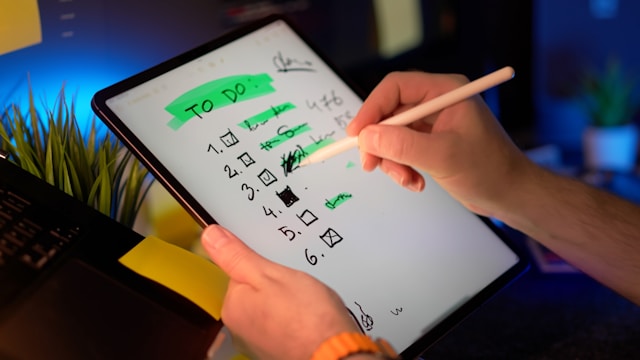
Discover how modern professionals are transforming from manual app-switching to AI-powered integrated orchestration. Learn the tools and strategies that eliminate workflow friction and multiply daily productivity.
Discover how the software development landscape has transformed from AI-assisted coding to Agentic Engineering. Learn about the best AI tools developers use in 2026 to manage fleets of AI agents for autonomous development.