
AI Tools You Can't Ignore in 2026 If You Want to Work Faster
Discover the essential AI tools dominating 2026 that will transform your productivity. From ChatGPT to Cursor, learn which tools will help you work faster and smarter.
In 2026, you don't need a substantial budget to access world-class AI assistance. The most powerful AI tools offer generous free tiers that can handle approximately 80% of daily productivity needs. This democratization of AI technology means students, freelancers, small business owners, and individuals can leverage capabilities that would have cost thousands in subscriptions just years ago.
This accessibility represents a fundamental shift in productivity tool economics. Previously, powerful software required expensive subscriptions that created barriers for individual users and small teams. Today's free AI tools provide capabilities exceeding what premium tools offered just two years ago, enabling anyone with internet access to multiply their productivity regardless of budget.
Free AI tools in 2026 provide capabilities that exceeded premium offerings from just two years ago—democratizing productivity for everyone with internet access.
The availability of powerful free AI tools reflects strategic decisions by major tech companies to make AI capabilities widely accessible. Companies like OpenAI, Google, and Anthropic offer substantial free tiers not purely from altruism but as pathways to eventual paid conversions and to gather usage data that improves their models.
For users, this competitive dynamic creates remarkable value. Free tiers are generous because companies compete for users, each trying to offer the most compelling free experience. This competition drives continuous improvements to free offerings, meaning free tier capabilities expand rather than contract over time.
The result is that individual users and small teams can build sophisticated productivity systems entirely on free tools, reserving budget for specialized needs rather than basic AI capabilities. A freelancer, student, or entrepreneur can access AI writing assistance, research tools, meeting transcription, visual content creation, and task management without spending a dollar.
This accessibility is particularly transformative for users in developing economies where even modest subscription costs represent significant barriers. AI productivity tools are becoming truly global, enabling productivity gains regardless of geographic location or economic resources.
ChatGPT (Free Tier) : The Universal AI Assistant
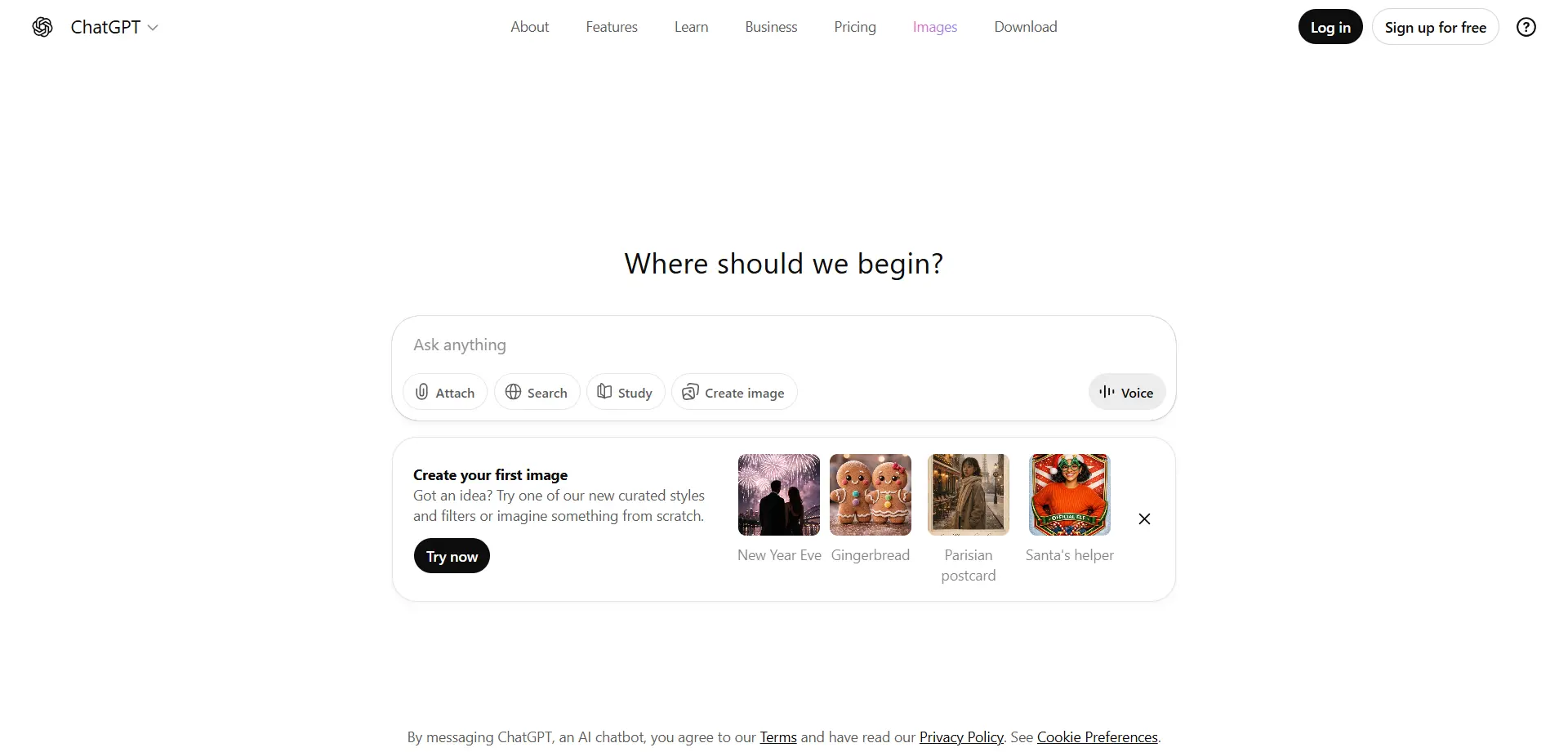
ChatGPT's free tier provides access to GPT-4o and advanced reasoning models, offering capabilities that rival premium tools from just a year ago. The free version handles drafting emails, debugging code, brainstorming ideas, analyzing uploaded files, and even voice conversations for hands-free interaction.
The 2026 free tier is notably faster and more capable than previous versions, with generous usage limits that accommodate heavy daily use. For most users, the free tier provides sufficient capacity for regular productivity needs without hitting limits that force upgrades.
The versatility makes ChatGPT the Swiss Army knife of free AI tools. Whether you're a student working on essays, a programmer debugging code, a writer overcoming creative blocks, or a professional drafting communications, ChatGPT handles the task competently. This general-purpose capability means you can accomplish diverse tasks with one familiar tool rather than learning multiple specialized applications.
The file analysis capability is particularly valuable, allowing you to upload documents, spreadsheets, or PDFs and ask questions about their contents. This transforms static documents into interactive resources you can query and analyze conversationally.
Google Gemini : Integrated Productivity for Google Users
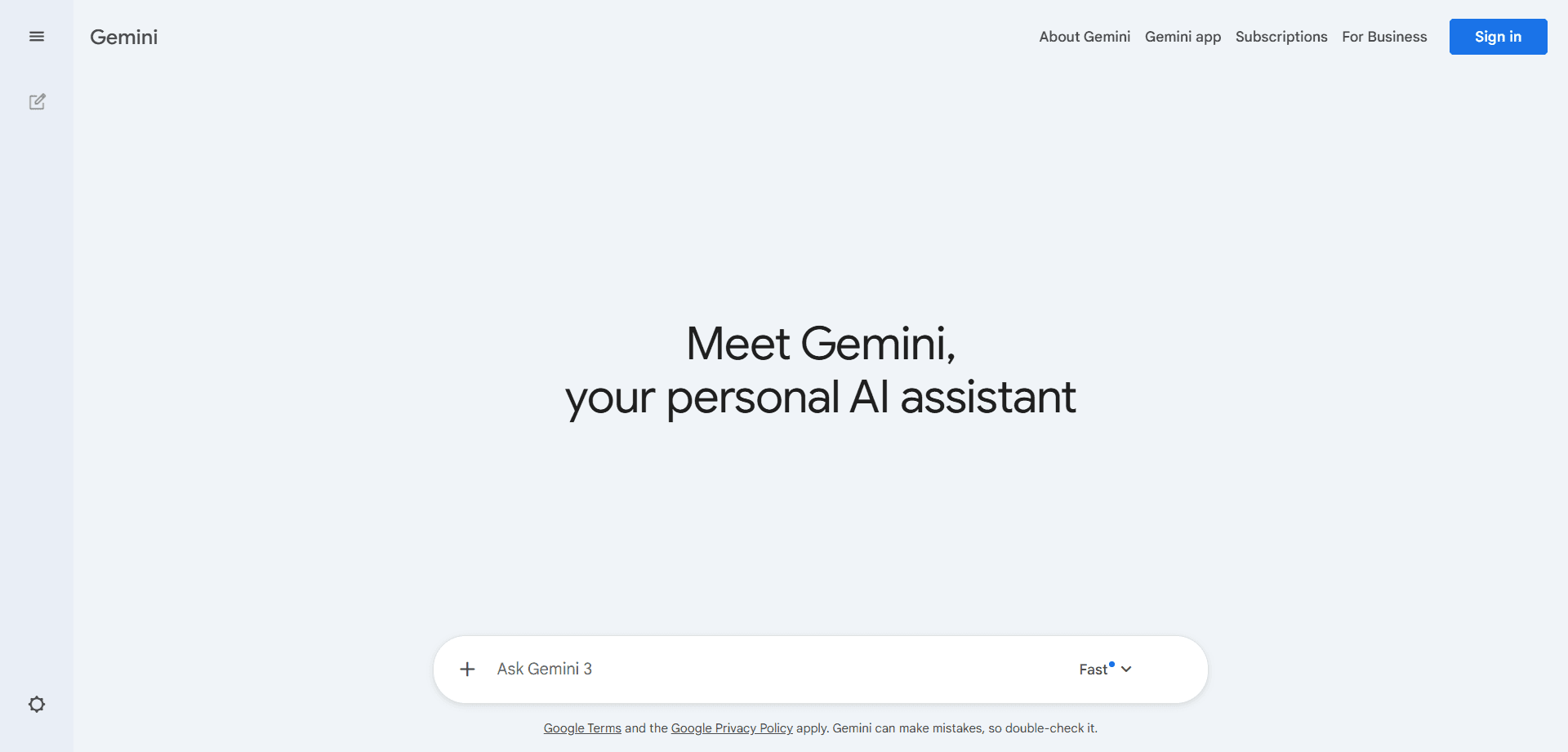
Google Gemini excels as the optimal choice for users embedded in the Google ecosystem. The free version integrates seamlessly with Gmail, Google Docs, Sheets, and other Google Workspace tools, enabling AI assistance within your existing workflows.
The email thread summarization saves substantial time for anyone managing high-volume email. Instead of reading through lengthy back-and-forth exchanges, Gemini provides concise summaries of key points, decisions, and action items. This capability alone can save hours weekly for professionals dealing with extensive email communications.
The Google Sheets integration enables conversational data analysis. You can ask questions about your data in natural language rather than constructing complex formulas. This makes data analysis accessible to users without spreadsheet expertise, democratizing insights that previously required specialized skills.
For users already relying on Google Workspace, Gemini provides integrated AI capabilities without requiring separate tools or workflows. This seamless integration reduces friction and increases the likelihood you'll consistently use AI assistance rather than treating it as a separate activity.
Claude (Free Tier) : Human-Quality Writing and Analysis
Claude's free tier is renowned for producing the most human-sounding, nuanced writing among AI assistants. When you need communications that feel authentic rather than obviously AI-generated, or when analyzing complex documents requiring sophisticated understanding, Claude excels.
The tool particularly shines at summarizing lengthy PDFs while maintaining important nuance and context. Unlike simpler summarization tools that reduce everything to bullet points, Claude understands when complexity matters and preserves it appropriately. This makes it invaluable for academic research, legal document review, or any context where detail matters.
The conversational quality of Claude's responses makes interactions feel more natural and productive. For users who find other AI assistants feeling mechanical or frustrating, Claude's more human-like communication often creates better user experiences and more useful outputs.
For writing that will be read by humans—emails, reports, presentations—Claude's natural language generation often requires less editing than other free tools, saving time in the revision process.
Perplexity AI : Search 2.0 with Citations
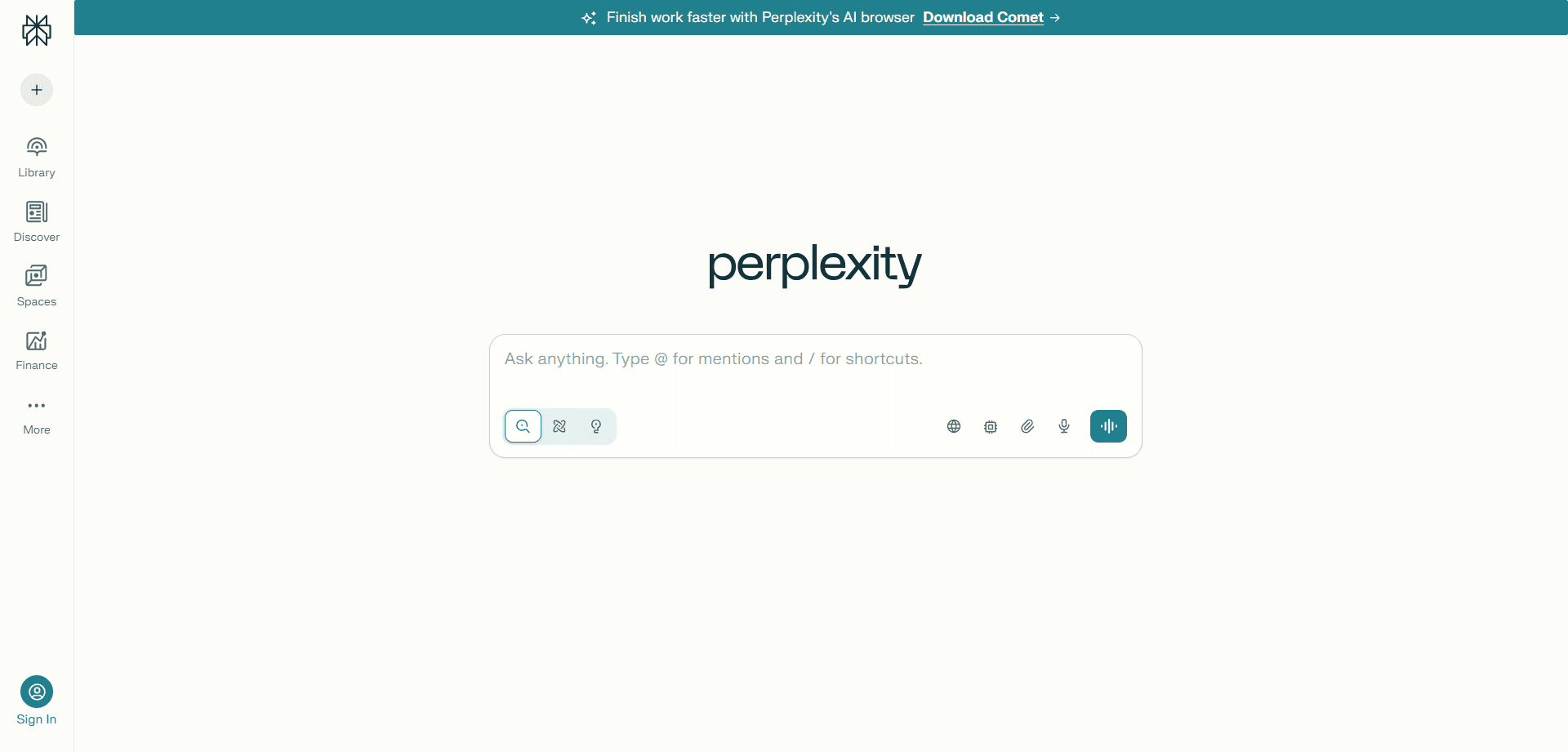
Perplexity AI has become the go-to free tool for research, functioning as "Search 2.0" by scouring the web in real-time and providing cited summaries rather than lists of links. Every claim links to its source, eliminating the hallucination problem while providing convenient access to original sources for deeper investigation.
This cited approach makes Perplexity trustworthy for serious research. You're not blindly trusting AI-generated information but receiving synthesized answers with verifiable sources. This combination of convenience and reliability makes it superior to traditional search engines for many information-seeking tasks.
The real-time web search capability ensures information is current rather than limited to training data cutoff dates. For topics involving recent events, current trends, or rapidly-evolving fields, Perplexity provides up-to-date information that static AI models cannot.
For students conducting research, professionals staying current in their fields, or anyone seeking reliable information quickly, Perplexity represents a dramatic improvement over traditional search engine workflows. You get answers rather than homework, with sources rather than blind trust.
NotebookLM : Personal Document Expert
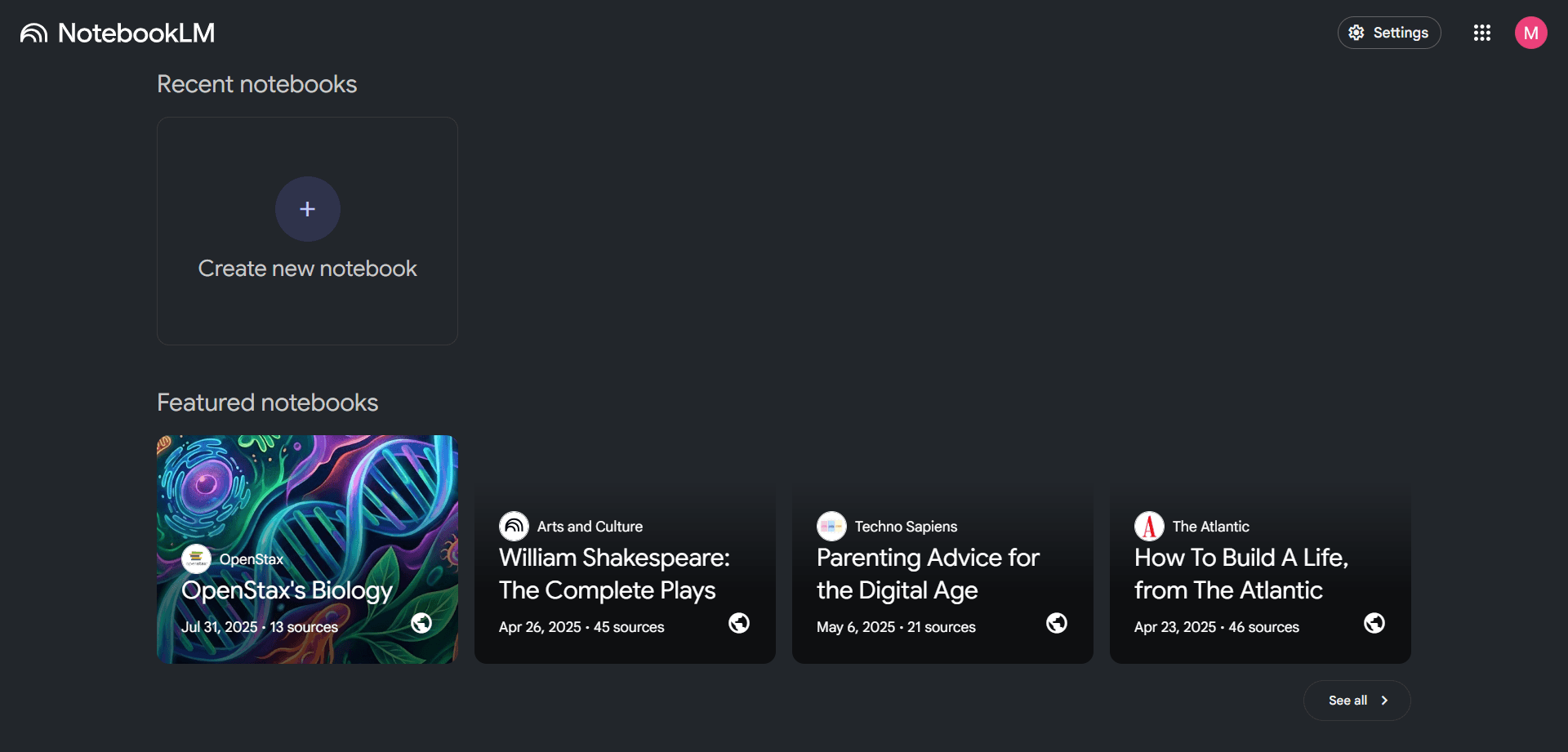
NotebookLM is completely free and provides remarkable value by transforming your personal document collections into interactive knowledge bases. Upload PDFs, notes, research papers, or textbooks, and NotebookLM becomes an expert specifically on your materials.
The "Deep Dive" audio podcast feature has become particularly popular, generating two-person conversational summaries of your documents. This audio format helps internalize information through a different modality, valuable during commutes, exercise, or other activities where reading isn't practical.
The focused nature of NotebookLM—only using documents you provide—eliminates hallucination concerns. Every response draws from your specific sources, making it trustworthy for academic work, professional research, or personal learning where accuracy is critical.
For students managing course materials, researchers organizing papers, or professionals maintaining knowledge bases, NotebookLM provides sophisticated document interaction completely free.
Consensus : Scientific Research Search Engine
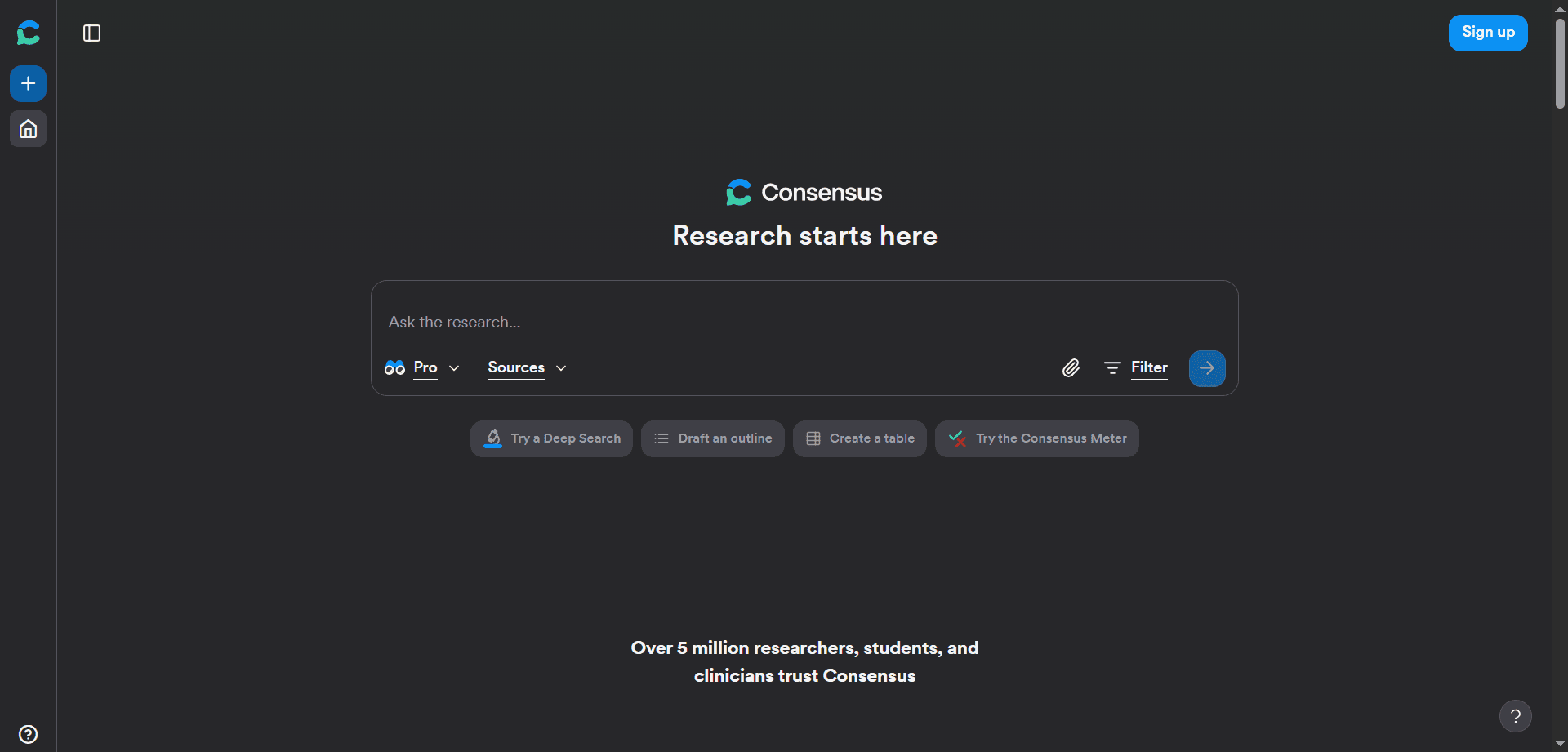
Consensus offers free access to peer-reviewed research, functioning as a specialized search engine that exclusively pulls from scientific literature. This focus ensures you're building understanding on actual research rather than popular opinion or marketing claims.
The free tier provides substantial daily searches, sufficient for regular research needs without requiring paid subscriptions. For students, academics, or anyone needing scientifically-grounded information, this free access to credible research is invaluable.
The consensus measurement showing what percentage of research supports specific claims helps understand scientific agreement versus controversy. This context prevents misunderstanding fringe positions as mainstream science or vice versa.
Taskade (Free Plan) : All-in-One Workspace
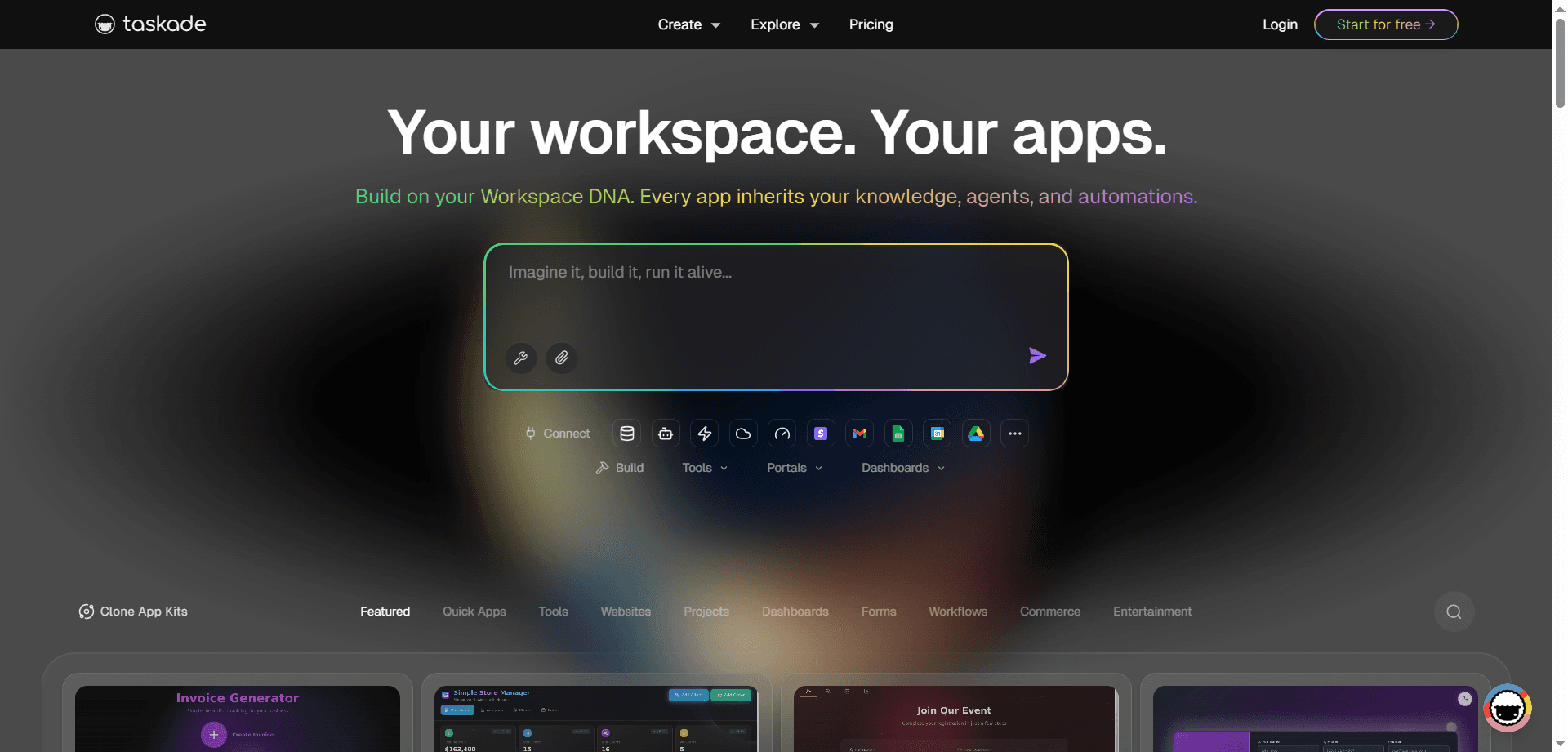
Taskade's free plan offers unlimited tasks and projects plus built-in AI agents that help outline project plans or generate organized to-do lists from messy notes. This generosity makes it viable as a complete productivity system rather than a limited trial.
The AI assistance for project planning is particularly valuable for users uncertain how to structure complex projects. Describe what you're trying to accomplish, and Taskade's AI suggests logical breakdown into phases, tasks, and subtasks. This scaffolding helps overcome the paralysis of large, intimidating projects.
The unlimited nature of the free tier means you won't outgrow it quickly or face artificial restrictions forcing upgrades. For individuals and small teams, Taskade can serve as a permanent free solution rather than a stepping stone to paid tools.
Todoist : AI Task Breakdown
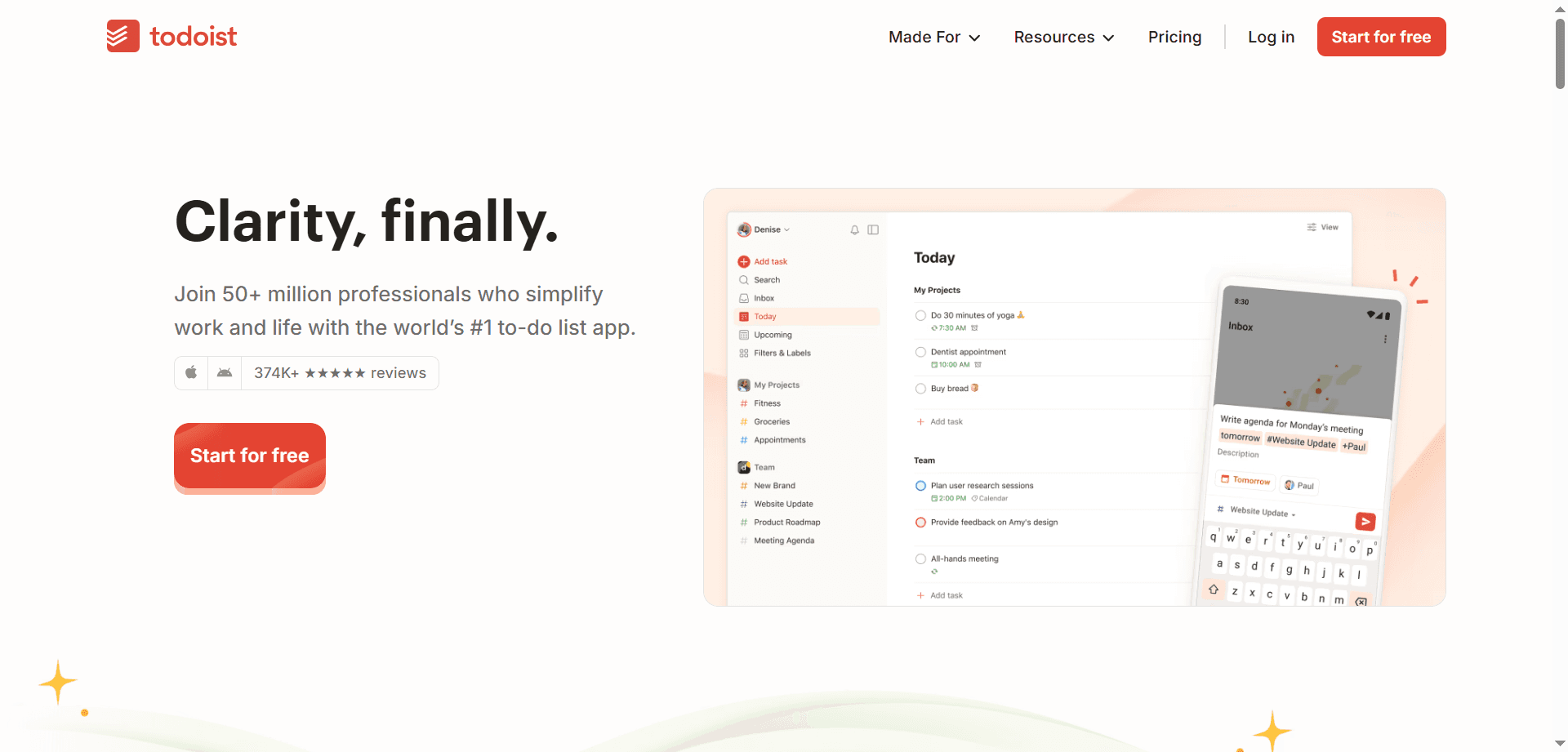
Todoist's AI Task Assistant, available on the free tier, excels at breaking large, intimidating goals into actionable steps. Type something vague like "Plan a 5-day trip to Tokyo" and the AI generates a comprehensive checklist of specific tasks making the goal manageable.
This task breakdown capability helps overcome procrastination and overwhelm by transforming nebulous intentions into concrete actions. Instead of staring at an intimidating goal, you have a clear next step and a visible path forward.
The free tier provides sufficient AI interactions for regular use without feeling restricted. For personal productivity and basic task management, most users find the free tier fully sufficient.
Otter.ai : Automated Meeting Documentation

Otter.ai's free version provides generous monthly transcription minutes and automatically joins Zoom, Teams, or Google Meet calls to provide full transcripts and action item summaries. This automation eliminates manual note-taking, allowing full attention during meetings.
The action item extraction is particularly valuable, automatically identifying commitments, decisions, and tasks from conversation. This prevents the common problem where important commitments vanish into forgotten notes, ensuring follow-through.
For students recording lectures, professionals attending regular meetings, or anyone conducting interviews or customer conversations, Otter's free tier provides substantial value. The monthly minute allocation is typically sufficient for regular use without requiring paid upgrades.
The automatic summary feature saves time reviewing meetings later. Instead of re-listening to entire calls, you can scan summaries to refresh memory or catch up on meetings you missed.
Canva AI : Accessible Design Tools
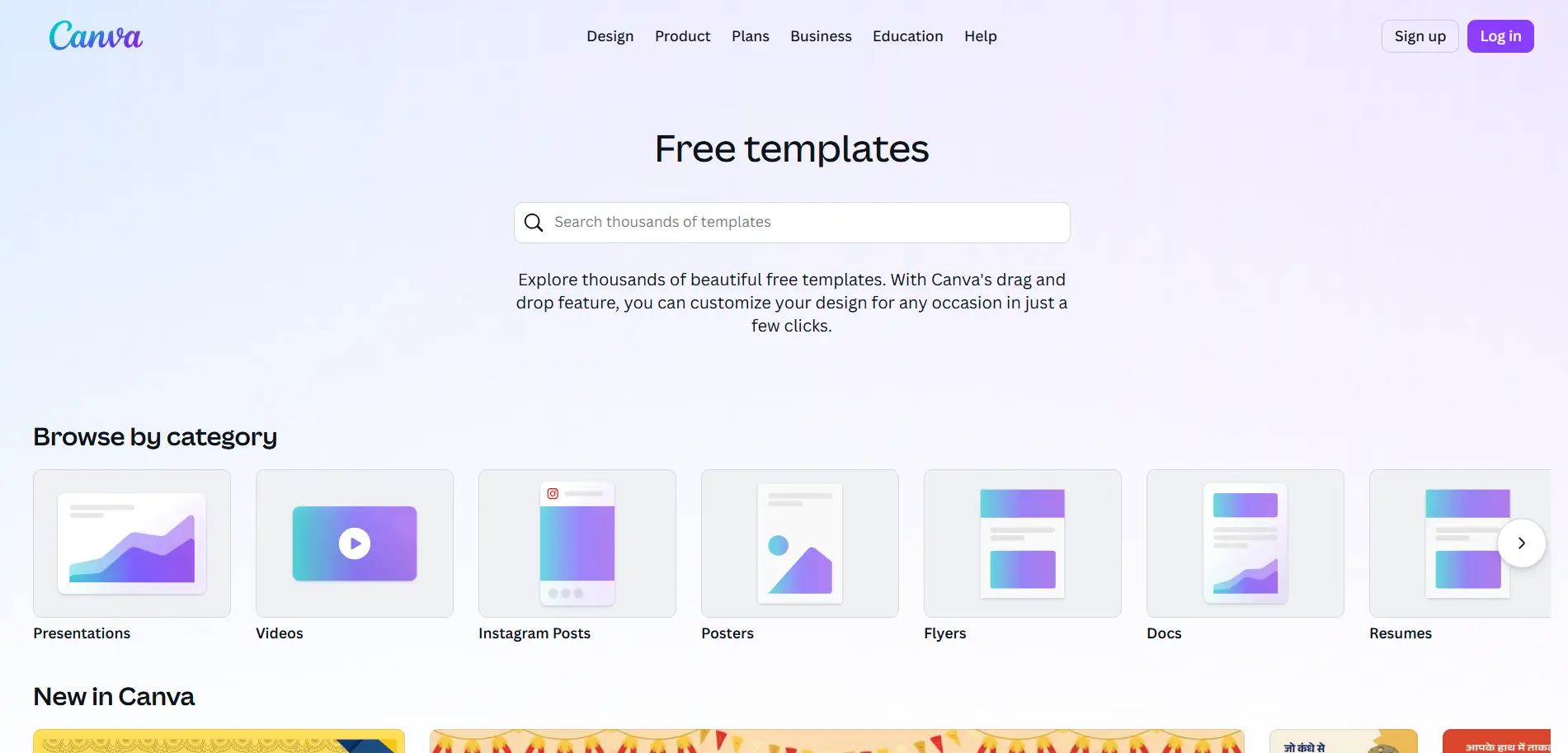
Canva's Magic Studio features include substantial free capabilities—generating images from text, removing backgrounds, and using "Magic Switch" to transform documents into presentations instantly. These tools democratize design capabilities previously requiring expensive software and specialized skills.
The text-to-image generation enables creating custom visuals without photography or illustration skills. While free tier has usage limits, they're generous enough for regular personal or small business needs.
The background removal tool alone justifies using Canva—this task previously required Photoshop expertise or paid services. The instant, automated removal makes product photography, profile pictures, and graphic design accessible to non-designers.
The Magic Switch feature transforms documents into presentations with appropriate formatting and layout, accelerating the tedious process of manual slide creation. This allows focusing on content while AI handles visual presentation.
Gamma : Instant Presentation Generation
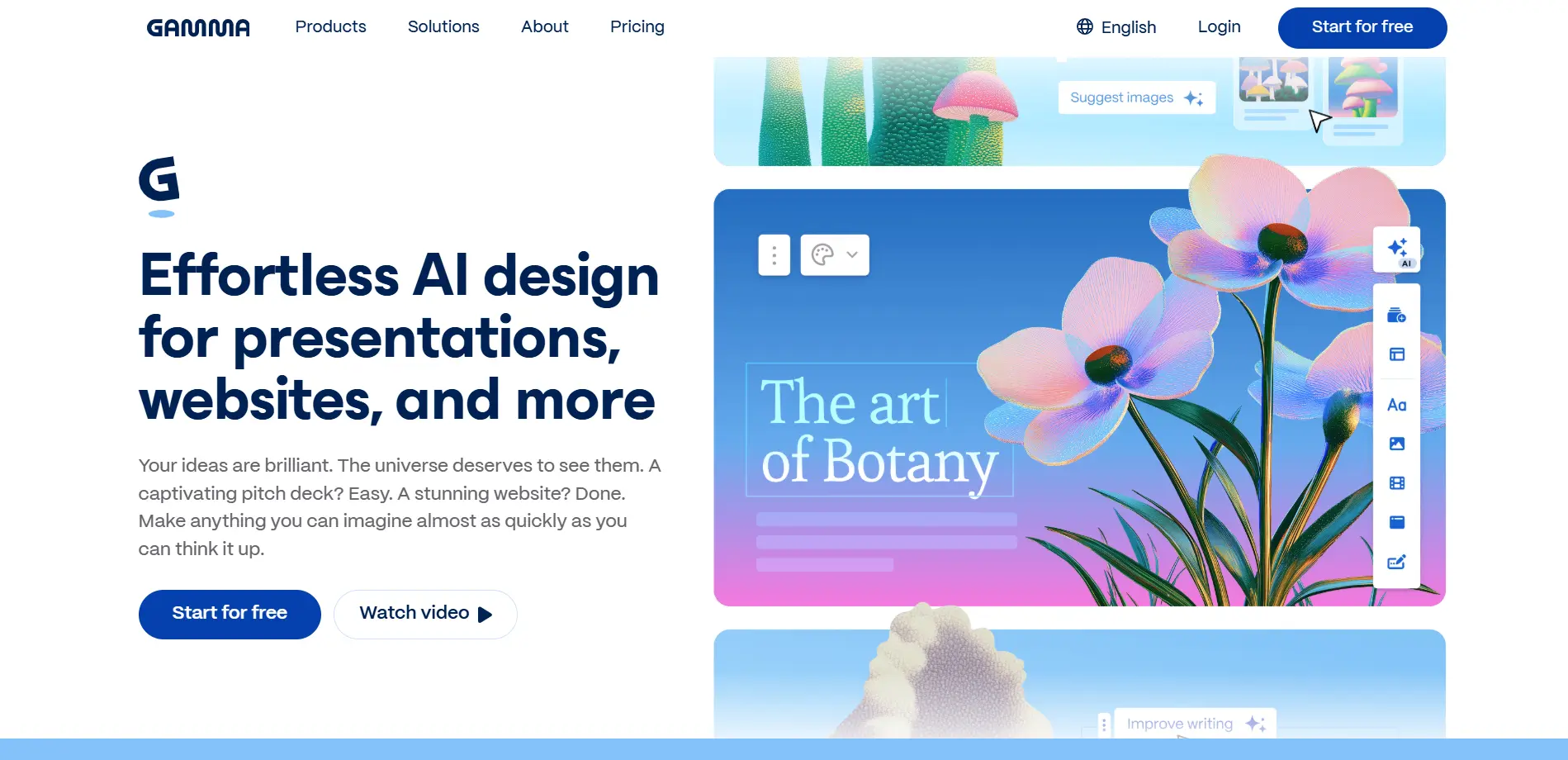
Gamma has achieved viral popularity by generating complete slide decks from simple topic descriptions. Type a subject, and Gamma produces 8-10 formatted slides with relevant images, providing "first draft" presentations in seconds.
This capability dramatically accelerates presentation creation. Instead of starting from blank slides—often the hardest part—you begin with a structured draft requiring refinement rather than creation. This psychological shift from creation to editing often makes the task feel more approachable.
The free tier is genuinely generous, allowing regular presentation creation without hitting restrictive limits. For students, professionals, or anyone creating presentations regularly, Gamma eliminates the blank-slide anxiety while maintaining the quality that comes from human refinement.
Adobe Firefly (Web Version) : Commercially Safe Image Generation
Adobe offers free web-based access to Firefly, its AI image generator trained exclusively on licensed content. This "commercially safe" approach means generated images don't raise copyright concerns, making them appropriate for professional and commercial projects.
The quality meets Adobe's high standards while remaining freely accessible. For users needing custom imagery for websites, presentations, social media, or marketing materials, Firefly provides professional-quality generation without subscription costs.
The commercial safety is particularly valuable for freelancers and small businesses that need imagery but can't afford copyright risks. Using Firefly eliminates concerns about using images that might infringe on creator rights.
Writing & Brainstorming → ChatGPT
Best Free Feature: Voice mode for hands-free brainstorming during walks, commutes, or while multitasking. Natural conversation makes ideation effortless.
Fact-Checking & Research → Perplexity
Best Free Feature: Real-time citations for every claim. Provides answers you can trust because sources are always visible and verifiable.
Learning from Documents → NotebookLM
Best Free Feature: Turning your PDFs into engaging two-person podcast conversations. Makes reviewing research materials feel more like entertainment than work.
Meeting Notes → Otter.ai
Best Free Feature: Auto-summarizing calls so you never take notes. Extracts action items automatically, ensuring nothing falls through cracks.
Task Management → Taskade
Best Free Feature: Unlimited projects with AI agents that organize messy thoughts into structured action plans instantly.
Presentation Creation → Gamma
Best Free Feature: Complete slide decks generated from simple prompts. Eliminates the pain of starting from blank slides.
Visual Design → Canva AI
Best Free Feature: Magic Switch transforms any document into formatted presentations, social posts, or other visual formats instantly.
Getting maximum value from free AI tools requires strategic use that works within limitations while achieving professional results.
Most free tiers have daily or monthly limits. Learn these boundaries and plan usage accordingly. Save intensive tasks for times when you have full allocation available.
Use multiple free tools together to access capabilities no single tool provides. ChatGPT for writing, Perplexity for research, Canva for visuals creates a complete workflow without subscription costs.
Tools that integrate with your existing workflows (like Gemini with Google Workspace) provide more value because you'll actually use them consistently.
Free tiers typically provide core capabilities with premium features reserved for paid plans. Focus on what free tiers do well rather than lamenting missing premium features.
Better prompts produce better results, effectively multiplying the value you extract from limited free usage. Invest time learning effective prompting techniques.
The most effective free AI productivity systems combine multiple tools, each handling what it does best:
Start with Perplexity for initial research and fact-finding. Use Consensus for scientific claims requiring peer-reviewed backing. Compile findings in NotebookLM for synthesis and deeper understanding. This combination provides comprehensive research capabilities entirely free.
Use ChatGPT or Claude for drafting written content. Generate supporting visuals with Canva or Firefly. Create presentations with Gamma. This covers the complete content creation process without paid tools.
Use Otter for meeting transcription and action items. Organize tasks in Taskade or Todoist. Communicate summaries via email drafted with ChatGPT or Gemini. This enables professional meeting management at zero cost.
Compile study materials in NotebookLM. Use its audio podcast feature for review during commutes. Quiz yourself using ChatGPT. Research unclear concepts with Perplexity. This creates a comprehensive learning system entirely free.
While free tiers are generous, understanding limitations helps set appropriate expectations and plan when upgrades might become necessary.
Most free tools limit daily or monthly usage. Heavy users may hit these caps, requiring either waiting for resets or upgrading to paid plans.
Advanced features often require paid subscriptions. Free tiers provide core functionality while reserving sophisticated capabilities for paying customers.
Some tools give paid users faster response times or priority access during high-demand periods. Free tier users may experience occasional slowdowns.
Free users typically receive limited customer support. You'll rely on documentation and community forums rather than direct assistance.
Some free tiers restrict commercial use, requiring paid subscriptions for business purposes. Review terms before using free tools professionally.
Understanding these limitations allows realistic planning. For many users, free tiers remain sufficient indefinitely. Others may eventually need specific paid features as usage grows or needs evolve.
Certain circumstances justify upgrading from free to paid tiers:
If you consistently exhaust free tier allocations and find yourself waiting for resets, you're likely a power user who would benefit from paid capacity.
When you regularly wish for capabilities reserved for paid tiers—like longer ChatGPT conversations, more Otter transcription minutes, or advanced Canva features—upgrading may be worthwhile.
If using tools to generate income, paid plans are ethical and often required by terms of service. They also typically provide capabilities that improve professional output quality.
Free tiers are typically individual-focused. Teams requiring collaboration features, centralized billing, or admin controls often need paid plans.
If paid features would save substantial time and you value your time highly, subscriptions may be worthwhile even when free tiers are technically sufficient.
The key is honest evaluation of whether paid features would meaningfully improve your productivity or results. Many users remain productively on free tiers indefinitely by working within their constraints.
Free AI tools raise privacy questions users should consider:
Free tools often use your data to improve models. If this concerns you, review privacy policies and consider whether sensitive information should be shared with free services.
Understand whether you retain rights to outputs generated with free tools. Most major providers grant you ownership, but terms vary.
Free services may have less stringent security than paid enterprise offerings. Avoid using free tools for confidential business information or personal data requiring protection.
Understand whether you can export your data if you stop using a service. Avoid lock-in by choosing tools with good export capabilities.
Read terms carefully, particularly regarding how your data is used and what rights you grant by using free services.
For most personal productivity uses, free tool privacy terms are reasonable. For sensitive professional or personal information, extra caution is warranted.
The trajectory suggests free AI tools will become more capable rather than less, driven by competitive dynamics and technological improvements:
As AI models improve and computational costs decrease, free tiers will likely offer capabilities that are premium features today. This pattern has held consistently—today's free features exceeded yesterday's paid offerings.
Free tools will integrate more seamlessly with each other and with existing productivity ecosystems, making comprehensive free tool stacks more viable.
As the market matures, more specialized free tools will emerge for specific use cases, providing deep functionality in narrow domains completely free.
Competition between major tech companies ensures free tiers remain compelling. No company can afford to let their free tier lag significantly behind competitors.
Increasing emphasis on AI accessibility for developing markets and underserved populations will drive continued free tier generosity.
The implication is that users choosing free tools today aren't accepting permanently limited capabilities. As tools improve, free tiers benefit from these improvements, meaning your free productivity stack becomes more powerful over time without requiring paid upgrades.
The democratization of AI productivity tools represents one of the most significant technological shifts in making professional-quality capabilities accessible regardless of economic resources. A student in a developing nation, a freelancer starting out, or a retiree learning new skills can access AI assistance that rivals or exceeds what corporations paid thousands for just years ago.
This accessibility is democratizing productivity, learning, and creative capabilities in ways that will have profound societal impacts. The barrier to accomplishing sophisticated work is increasingly ideas and effort rather than access to expensive tools. This shift empowers individuals while challenging traditional advantages that came from superior tool access.
The future belongs to those who learn to effectively leverage these freely available capabilities. The tools are accessible to everyone—the differentiator is skill in using them effectively, combining them strategically, and applying them to meaningful problems. Free AI tools don't automatically make everyone equally productive—but they remove tool access as a barrier, meaning outcomes increasingly depend on human creativity, judgment, and effort rather than budget.
For anyone seeking to boost productivity without substantial budget, 2026 offers unprecedented opportunity. The free tools available today provide capabilities that seemed impossible just years ago, enabling anyone with internet access to work at levels previously requiring extensive resources. The question isn't whether you can afford world-class AI assistance—it's whether you'll learn to use the remarkable free tools already at your fingertips.
Discover the essential AI tools dominating 2026 that will transform your productivity. From ChatGPT to Cursor, learn which tools will help you work faster and smarter.

Discover the top AI tools revolutionizing content creation in 2026. From video editing to social media management, learn which tools will transform your creative workflow.

Discover how modern professionals are transforming from manual app-switching to AI-powered integrated orchestration. Learn the tools and strategies that eliminate workflow friction and multiply daily productivity.

Discover how the software development landscape has transformed from AI-assisted coding to Agentic Engineering. Learn about the best AI tools developers use in 2026 to manage fleets of AI agents for autonomous development.