AI Tools You Can't Ignore in 2026 If You Want to Work Faster
Discover the essential AI tools dominating 2026 that will transform your productivity. From ChatGPT to Cursor, learn which tools will help you work faster and smarter.
In 2026, three AI assistants dominate the landscape: ChatGPT, Claude, and Gemini. Each has evolved into a sophisticated tool with distinct personalities, strengths, and ideal use cases. The question is no longer "Should I use AI?" but rather "Which AI should I use for this specific task?"
This comparison cuts through marketing claims to reveal the practical differences that matter for daily use. Whether you're writing, coding, researching, analyzing data, or managing projects, understanding each AI's strengths and limitations helps you choose the right tool—or combination of tools—for your workflow.
The best AI assistant in 2026 depends entirely on your use case. ChatGPT excels at versatility, Claude at nuanced writing and analysis, and Gemini at Google ecosystem integration and multimodal tasks.
The AI assistant market has matured considerably since the explosive emergence of ChatGPT in late 2022. By 2026, the initial "race to capability" has evolved into specialized differentiation, with each major player carving out distinct territories based on their technological foundations and strategic priorities.
ChatGPT, powered by OpenAI's GPT-4o and o1 reasoning models, maintains its position as the most versatile general-purpose assistant. Its massive user base and extensive integration ecosystem make it the default choice for millions seeking reliable AI assistance across diverse tasks.
Claude, developed by Anthropic, has built a reputation for producing the most human-like, nuanced responses with exceptional document analysis capabilities. Its "Constitutional AI" approach emphasizes safety, thoughtfulness, and preserving important context that other models might oversimplify.
Gemini, Google's flagship AI, leverages deep integration with Google's ecosystem and multimodal capabilities that seamlessly blend text, images, video, and real-time web information. For users embedded in Google Workspace, Gemini provides unmatched convenience and contextual awareness.
Importantly, the choice between these assistants is no longer binary. Many productive professionals use all three strategically, leveraging each for tasks where it excels. Understanding these strengths enables sophisticated tool selection rather than loyalty to a single platform.
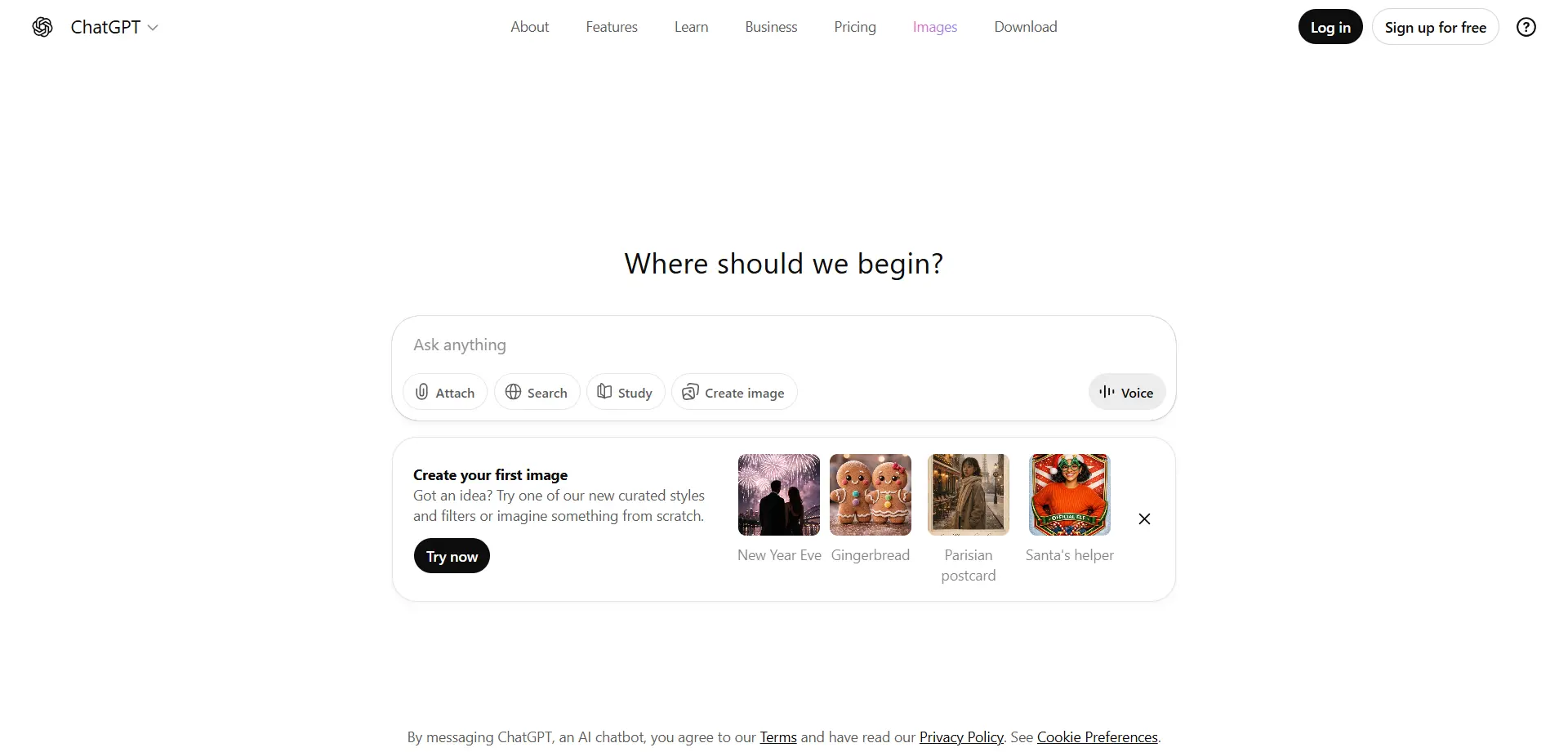
ChatGPT's greatest strength is its remarkable versatility. It handles an enormous range of tasks competently—from creative writing to technical coding, from casual conversation to formal business communications, from educational tutoring to complex problem-solving. This jack-of-all-trades capability makes it the reliable default for users uncertain which tool to use.
The voice mode has evolved into genuinely natural conversation, enabling hands-free interaction that feels surprisingly human. You can brainstorm while walking, think through problems while driving, or draft content while cooking—the conversational interface adapts seamlessly to varied contexts and communication styles.
The advanced reasoning models (o1 series) provide step-by-step logical thinking for complex problems requiring careful analysis. When you need to work through multi-step math, debug complicated code logic, or analyze intricate scenarios, ChatGPT's reasoning mode breaks down problems systematically rather than jumping to conclusions.
The massive integration ecosystem means ChatGPT connects with thousands of third-party tools and services. Whether you need to pull data from specific platforms, automate workflows, or extend functionality, ChatGPT's plugin architecture provides extensive connectivity that competing assistants struggle to match.
ChatGPT sometimes produces responses that feel formulaic or generic, particularly for creative writing or communications requiring authentic human voice. The outputs are competent but can lack the personality and nuance that make writing feel genuinely human rather than AI-generated.
The context window, while substantial, can be limiting for extremely long documents or complex conversations spanning many topics. Users working with book-length materials or maintaining intricate multi-threaded discussions may hit boundaries where ChatGPT loses important earlier context.
Real-time information access depends on web search functionality that doesn't always activate when it should. Users expecting current information may receive responses based on training data cutoffs rather than live web results, requiring explicit requests to trigger real-time searching.
General Productivity: When you need reliable assistance across diverse tasks without switching tools, ChatGPT's versatility makes it the go-to choice.
Technical Problem-Solving: The o1 reasoning models excel at debugging code, solving math problems, and working through logical challenges requiring step-by-step thinking.
Voice Interaction: The natural voice mode makes ChatGPT ideal for hands-free brainstorming, thinking through problems, or drafting content while multitasking.
Integration-Heavy Workflows: When your workflow requires connecting multiple tools and platforms, ChatGPT's extensive plugin ecosystem provides the most connectivity options.
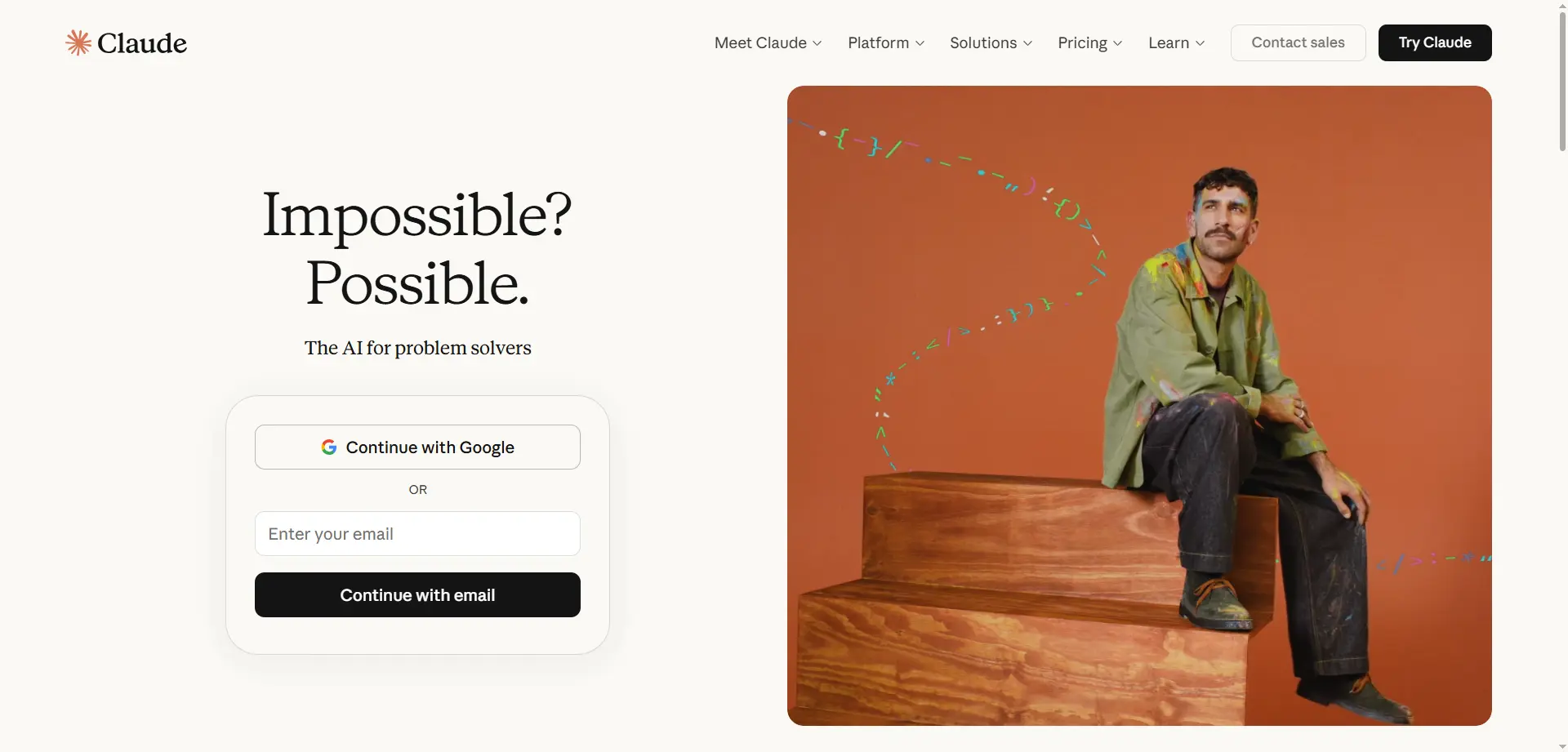
Claude's defining characteristic is producing exceptionally human-like, nuanced responses that preserve complexity rather than oversimplifying. When you need communications that don't sound AI-generated, or analysis that maintains important subtlety, Claude consistently outperforms alternatives.
The document analysis capabilities are remarkable, handling extremely long PDFs (200+ pages) while maintaining sophisticated understanding of structure, argumentation, and nuance. Unlike simpler summarization that reduces everything to bullet points, Claude understands when complexity matters and preserves it appropriately.
The conversational quality makes interactions feel more like consulting a knowledgeable colleague than interrogating a machine. Claude asks clarifying questions, acknowledges uncertainty appropriately, and engages with intellectual humility that creates more productive collaboration.
For academic research, legal document review, or any work requiring careful textual analysis, Claude's ability to engage deeply with complex written materials while maintaining important context and nuance makes it the superior choice.
The free tier has more restrictive usage limits compared to ChatGPT, requiring paid subscriptions for heavy users who would remain comfortably within ChatGPT's free allocation. This makes Claude less accessible for budget-conscious users with high usage needs.
Real-time information access is limited—Claude works primarily with its training data rather than pulling current information from the web. For topics requiring up-to-date information, you'll need to provide external sources or use alternative tools.
The integration ecosystem is smaller than ChatGPT's, meaning fewer direct connections to third-party tools and services. Users requiring extensive workflow integration may find Claude's relative isolation limiting.
Code execution capabilities are less developed compared to ChatGPT's advanced code interpreter. For data analysis requiring running actual code rather than just discussing it, ChatGPT provides more robust execution environments.
Professional Writing: When your writing will be read by humans and needs to sound authentically human rather than AI-generated, Claude produces the most natural outputs.
Document Analysis: For reviewing lengthy reports, academic papers, legal documents, or any complex written material requiring sophisticated understanding, Claude excels.
Nuanced Communication: When tone, subtlety, and relationship context matter—sensitive emails, diplomatic communications, thoughtful feedback—Claude handles complexity most gracefully.
Academic and Research Work: The ability to engage deeply with complex texts while maintaining intellectual rigor makes Claude ideal for scholarly work.
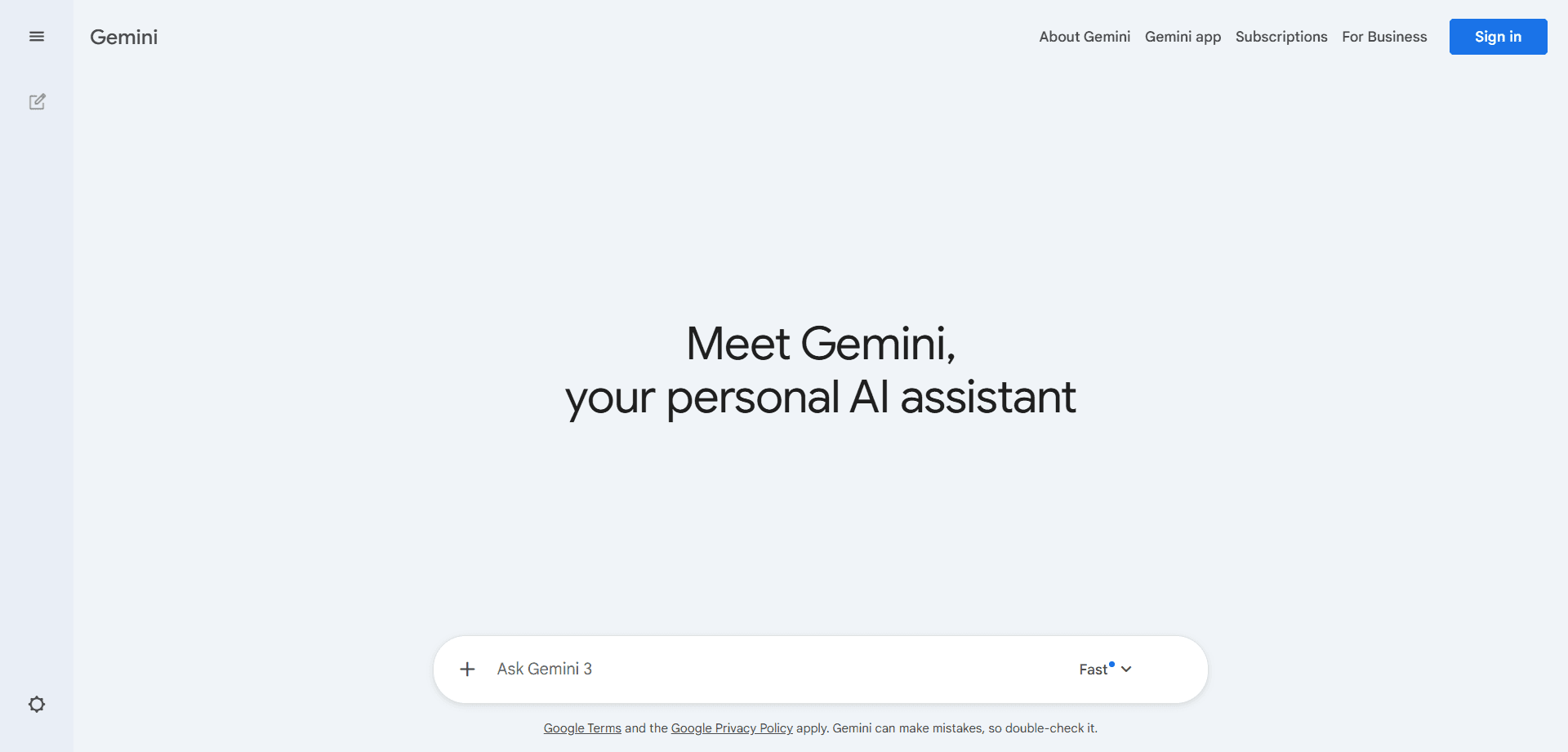
Gemini's killer feature is seamless integration with Google Workspace—Gmail, Docs, Sheets, Drive, Calendar, and Meet. For users already embedded in Google's ecosystem, Gemini provides AI assistance within familiar tools rather than requiring separate applications or workflows.
The multimodal capabilities are genuinely impressive, processing text, images, audio, and video with sophisticated understanding of relationships between modalities. You can analyze images while discussing their context, process video content conversationally, or work with mixed-media documents fluidly.
Real-time web access is native and reliable, ensuring responses incorporate current information rather than being limited to training data cutoffs. For questions about recent events, current trends, or rapidly-evolving topics, Gemini consistently provides up-to-date information.
The Gmail integration is particularly powerful, summarizing lengthy email threads, suggesting responses, extracting action items, and enabling conversational search through your email history. For professionals managing high email volumes, this native integration saves substantial time.
For users outside the Google ecosystem, Gemini's advantages largely disappear. The integrations that make it powerful for Google Workspace users provide little benefit to those using Microsoft 365, Apple platforms, or other productivity stacks.
The response quality for creative writing and nuanced communication often lags behind Claude, with outputs feeling more mechanical or generic. When authenticity and human-like tone matter most, Gemini isn't the strongest choice.
Privacy-conscious users may hesitate to use Gemini given concerns about Google's data practices and advertising business model. The deep integration that enables powerful features also raises questions about data access and usage.
The advanced reasoning capabilities don't quite match ChatGPT's o1 models for complex logical problem-solving requiring step-by-step analysis. For challenging technical problems, Gemini may provide less systematic thinking.
Google Workspace Users: If Gmail, Docs, and Sheets are central to your workflow, Gemini's native integration provides unmatched convenience and contextual awareness.
Multimodal Tasks: When working with mixed media—analyzing images, processing video content, or combining visual and textual information—Gemini handles multiple modalities most naturally.
Current Information Needs: For questions requiring up-to-date information, Gemini's reliable real-time web access ensures responses reflect current reality rather than historical training data.
Email Management: The Gmail integration alone justifies Gemini for professionals drowning in email, providing AI-powered summarization, categorization, and response assistance.
Claude consistently produces the most natural, human-sounding writing with appropriate nuance and tone calibration. ChatGPT is competent but sometimes formulaic, while Gemini tends toward more mechanical outputs. For writing that will be read by humans and needs to feel authentically human, Claude is the clear choice.
The o1 reasoning models provide systematic step-by-step thinking for complex technical problems. ChatGPT's code execution environment and debugging capabilities edge out alternatives. Claude is strong for discussing code conceptually, but ChatGPT better handles actual execution and testing.
For analyzing lengthy, complex documents while maintaining nuance and context, Claude's sophisticated understanding of textual structure and argumentation is unmatched. ChatGPT handles documents competently, while Gemini excels when documents combine text with visual elements.
Gemini's native, reliable web access ensures current information is incorporated consistently. ChatGPT has web search capabilities but they don't always activate when needed. Claude lacks real-time web access entirely.
For Google Workspace users, Gemini's integration is unbeatable. For users requiring extensive third-party tool connections, ChatGPT's plugin ecosystem is superior. Claude has the most limited integration options but may not matter for users primarily working with text.
Gemini handles multiple modalities (text, image, audio, video) most naturally, with sophisticated understanding of relationships between different media types. ChatGPT has growing multimodal capabilities, while Claude is primarily text-focused.
Claude's conversational interactions feel most natural and collaborative, with appropriate acknowledgment of uncertainty and thoughtful engagement. ChatGPT's voice mode provides excellent spoken conversation, while Gemini's text conversations can feel more transactional.
ChatGPT's free tier provides the most generous usage limits with access to advanced models. Gemini's free tier is solid, particularly for Google Workspace integration. Claude's free tier is most restrictive, requiring paid subscriptions for moderate to heavy usage.
Free Tier: Access to GPT-4o with generous usage limits, file uploads, web browsing, and voice conversations. Sufficient for most casual users.
ChatGPT Plus ($20/month): Unlimited access to GPT-4o, o1 reasoning models, advanced voice mode, custom GPTs, and priority access during peak times.
ChatGPT Team ($25-30/user/month): Team collaboration features, admin controls, extended context windows, and enhanced data privacy controls.
ChatGPT Enterprise (Custom Pricing): Enterprise-grade security, unlimited high-speed access, advanced analytics, and custom integration support.
Free Tier: Limited usage of Claude 3 with message rate limits that may constrain moderate users. Good for evaluation but insufficient for heavy use.
Claude Pro ($20/month): 5x more usage than free tier, priority access during high-traffic periods, and early access to new features.
Claude Team ($25-30/user/month): Extended context windows, shared conversations, team billing, and enhanced collaboration features.
Claude Enterprise (Custom Pricing): Extended context (200K+ tokens), enhanced security controls, dedicated support, and custom integration assistance.
Free Tier: Access to Gemini with Google Workspace integration. Generous for Google ecosystem users with reasonable usage limits.
Google One AI Premium ($19.99/month): Gemini Advanced with enhanced capabilities, deeper Workspace integration, 2TB storage, and extended usage limits.
Google Workspace with Gemini ($30+/user/month): Full business-grade Workspace suite with integrated Gemini assistance across all tools.
Gemini Enterprise (Custom Pricing): Advanced security, compliance features, admin controls, and dedicated support for large organizations.
Best Choice: ChatGPT (with Claude for writing)
ChatGPT's generous free tier and versatility make it ideal for students with limited budgets and diverse academic needs. Use ChatGPT for general studying, problem-solving, and technical work. Switch to Claude when writing essays or papers requiring human-quality prose. If you're embedded in Google Workspace for education, Gemini provides valuable integration but ChatGPT remains the primary recommendation.
The superior writing quality, nuanced tone control, and human-like outputs make Claude the clear choice for professional writers. The subscription cost is justified by the quality improvement and reduced editing time. Use ChatGPT for research and brainstorming, but rely on Claude for actual writing production.
The o1 reasoning models, robust code execution environment, and extensive integration ecosystem make ChatGPT the developer's tool of choice. Claude is valuable for discussing architecture and reviewing code conceptually, but ChatGPT handles debugging, testing, and execution more effectively.
Best Choice: Gemini (with ChatGPT for general tasks)
If Gmail, Google Docs, and Sheets are central to your workflow, Gemini's native integration provides unmatched convenience. The email management features alone justify the choice. Supplement with ChatGPT for tasks requiring deeper reasoning or extensive third-party integrations.
Best Choice: ChatGPT (with Microsoft Copilot)
For Microsoft-centric workflows, ChatGPT provides the most versatile AI assistance while Microsoft Copilot handles native Office integration. Claude serves as a valuable supplement for important written communications requiring authentic tone.
Best Choice: Claude (with ChatGPT for current info)
Claude's sophisticated document analysis and nuanced understanding make it ideal for academic work. Use it for reviewing papers, analyzing complex texts, and writing with appropriate scholarly tone. Supplement with ChatGPT or Gemini when you need current information or real-time web research.
Use ChatGPT as your primary generalist tool for its versatility and generous free tier. Add Claude when writing client-facing communications, proposals, or content requiring authentic tone. If you use Google Workspace, Gemini's free tier provides valuable email and document assistance without additional cost.
The most sophisticated AI users don't choose a single assistant—they strategically use multiple tools, each for tasks where it excels. This multi-tool approach maximizes quality while managing costs effectively.
Primary Tool: ChatGPT for general versatility, technical problem-solving, and integration-heavy workflows.
Writing Supplement: Claude for important communications, professional writing, and document analysis (within free tier limits).
Google Integration: Gemini for email management and Google Workspace tasks if you use those tools.
This combination provides well-rounded AI assistance without paid subscriptions, though free tier limits may constrain heavy users.
Primary Subscription: Choose based on your dominant use case—ChatGPT for versatility, Claude for writing, or Gemini for Google integration.
Supplementary Free Tiers: Use free tiers of the other two assistants for specific tasks where they excel.
Specialized Tools: Add domain-specific AI tools (code assistants, research tools, design tools) for specialized needs.
This approach typically costs $20-30/month while providing comprehensive AI assistance across all major use cases.
Develop clear decision rules for tool selection:
• Important writing for humans → Claude
• Technical debugging and analysis → ChatGPT
• Email management (Google) → Gemini
• General productivity and brainstorming → ChatGPT
• Document analysis (text-heavy) → Claude
• Current information research → Gemini
• Multimodal tasks → Gemini
• Voice interaction → ChatGPT
Clear rules eliminate decision fatigue while ensuring you leverage each tool's strengths rather than defaulting to whichever assistant you opened first.
ChatGPT: OpenAI does not use paid user data for model training without explicit consent. Free tier users should review data usage policies. Enterprise plans offer enhanced data privacy controls and compliance certifications.
Claude: Anthropic emphasizes privacy with clear commitments not to train on user conversations without permission. The focus on "Constitutional AI" extends to data handling practices prioritizing user privacy.
Gemini: Google's data practices raise the most privacy questions given its advertising business model. Workspace users with paid accounts receive stronger privacy protections than free consumer users. Review data policies carefully before sharing sensitive information.
Avoid sharing: Passwords, financial account details, personal identifying information, confidential business data, or sensitive personal information with any AI assistant.
Enterprise/Professional data: Use business-grade paid plans with appropriate data protection agreements when handling organizational information. Free consumer tools aren't appropriate for sensitive business use.
Review outputs: Never use AI-generated content without human review, especially for professional, legal, medical, or consequential communications. AI assistants make mistakes that human judgment must catch.
The trajectory of AI assistants could follow two divergent paths—either convergence toward similar capabilities or continued differentiation toward specialized strengths.
In this future, competitive pressure drives all three assistants toward similar capabilities. ChatGPT develops better writing quality, Claude adds real-time web access and multimodal features, Gemini improves reasoning capabilities. Users choose based on ecosystem integration and pricing rather than fundamental capability differences.
This scenario seems less likely given each company's distinct technological foundations and strategic priorities. The current differentiation reflects genuine differences in approach and organizational DNA, not just temporary feature gaps.
More likely, each assistant leans further into its core strengths. ChatGPT becomes increasingly versatile and integrated with diverse tools. Claude develops even more sophisticated textual understanding and generation. Gemini deepens its multimodal capabilities and Google ecosystem integration.
This scenario benefits users by making tool selection clearer—you choose based on your dominant use case and existing tool ecosystem rather than trying to identify subtle capability differences.
The most probable future involves users routinely using multiple AI assistants, possibly through unified interfaces that route queries to appropriate models automatically. You might interact with a single interface that sends technical questions to ChatGPT, writing tasks to Claude, and current information queries to Gemini—all transparently.
This "best of all worlds" approach maximizes quality by leveraging each model's strengths while eliminating the friction of manual tool switching. Several emerging platforms already enable this multi-model approach, suggesting it represents the trajectory of AI assistant usage.
The question "Which AI is best?" has no universal answer—it depends entirely on your specific needs, existing tool ecosystem, and dominant use cases. ChatGPT provides unmatched versatility for users needing reliable performance across diverse tasks. Claude delivers superior writing quality and document analysis for users prioritizing human-like communication. Gemini offers seamless integration for Google Workspace users and best-in-class multimodal capabilities.
For most users, the optimal strategy isn't choosing a single assistant but developing a multi-tool approach that leverages each AI's strengths. Use ChatGPT as your versatile generalist, Claude for important writing and complex document analysis, and Gemini for Google integration and current information. This combination, primarily using free tiers with strategic paid subscriptions where they matter most, provides comprehensive AI assistance without excessive cost.
The competitive dynamics ensuring continued improvement of all three assistants benefit users regardless of which tools you choose. Unlike traditional software where competition often leads to market consolidation, AI assistants operate in a space large enough for multiple strong competitors, each pushing the others to improve continuously.
The real question isn't "Which single AI should I use?" but rather "How can I strategically leverage multiple AI assistants to maximize my productivity and output quality?" Start by identifying your highest-value use cases—where AI assistance would save the most time or improve quality most significantly. Choose the strongest tool for those use cases, supplement with others where appropriate, and develop clear decision rules that eliminate choice paralysis while ensuring you leverage the right tool for each task.
The AI assistant landscape in 2026 is mature enough to provide reliable, powerful capabilities but differentiated enough that thoughtful tool selection yields meaningful advantages. Invest time understanding each assistant's strengths, experiment with all three for your key use cases, and build a multi-tool strategy that combines their complementary capabilities rather than forcing yourself to choose just one.
Discover the essential AI tools dominating 2026 that will transform your productivity. From ChatGPT to Cursor, learn which tools will help you work faster and smarter.

Discover the top AI tools revolutionizing content creation in 2026. From video editing to social media management, learn which tools will transform your creative workflow.

Discover how modern professionals are transforming from manual app-switching to AI-powered integrated orchestration. Learn the tools and strategies that eliminate workflow friction and multiply daily productivity.

Discover how the software development landscape has transformed from AI-assisted coding to Agentic Engineering. Learn about the best AI tools developers use in 2026 to manage fleets of AI agents for autonomous development.