
AI Tools You Can't Ignore in 2026 If You Want to Work Faster
Discover the essential AI tools dominating 2026 that will transform your productivity. From ChatGPT to Cursor, learn which tools will help you work faster and smarter.
In 2026, workflow automation has become essential for productive teams and individuals. Three platforms dominate the automation landscape: Zapier, the user-friendly pioneer; Make (formerly Integromat), the visual powerhouse; and n8n, the open-source technical alternative. Each serves distinct user profiles with different priorities around ease-of-use, flexibility, pricing, and control.
This comparison cuts through marketing messaging to reveal which platform genuinely serves your needs. Whether you're a non-technical user seeking simple automations, a power user building complex workflows, or a developer requiring complete control, understanding each platform's strengths and limitations helps you choose the right tool—or combination of tools—for your automation strategy.
The best automation platform depends on your technical comfort, workflow complexity, and budget. Zapier excels at simplicity, Make at visual complexity, and n8n at customization and cost efficiency for technical users.
Workflow automation has evolved from a specialized technical practice to a mainstream productivity tool accessible to users across skill levels. The 2026 landscape reflects this maturation, with platforms offering sophisticated capabilities while maintaining varying levels of accessibility.
Zapier pioneered no-code automation and maintains the largest integration ecosystem—6,000+ apps and counting. Its strength lies in making automation accessible to non-technical users while scaling to accommodate moderately complex workflows. The platform's ubiquity means most SaaS tools prioritize Zapier integration, making it the default choice for users prioritizing compatibility over other factors.
Make (formerly Integromat) has carved out territory among power users through its visual workflow builder that makes complex logic intuitive. The platform excels when automations require branching paths, error handling, multiple conditions, or sophisticated data transformation. Users who outgrow Zapier's linear workflow model often migrate to Make for its enhanced flexibility without requiring coding skills.
n8n represents the technical alternative—an open-source platform offering complete workflow control, self-hosting options, and unlimited automation at fixed costs. Developers and technical teams choose n8n when they need customization beyond what hosted platforms allow, want to avoid per-execution pricing, or require workflows to integrate with internal systems not exposed to external services.
Importantly, these platforms aren't perfectly substitutable. Each serves distinct user profiles, and many sophisticated organizations use multiple platforms—Zapier for simple automations by non-technical teams, Make for complex workflows requiring visual logic, and n8n for technical automations integrating internal systems.
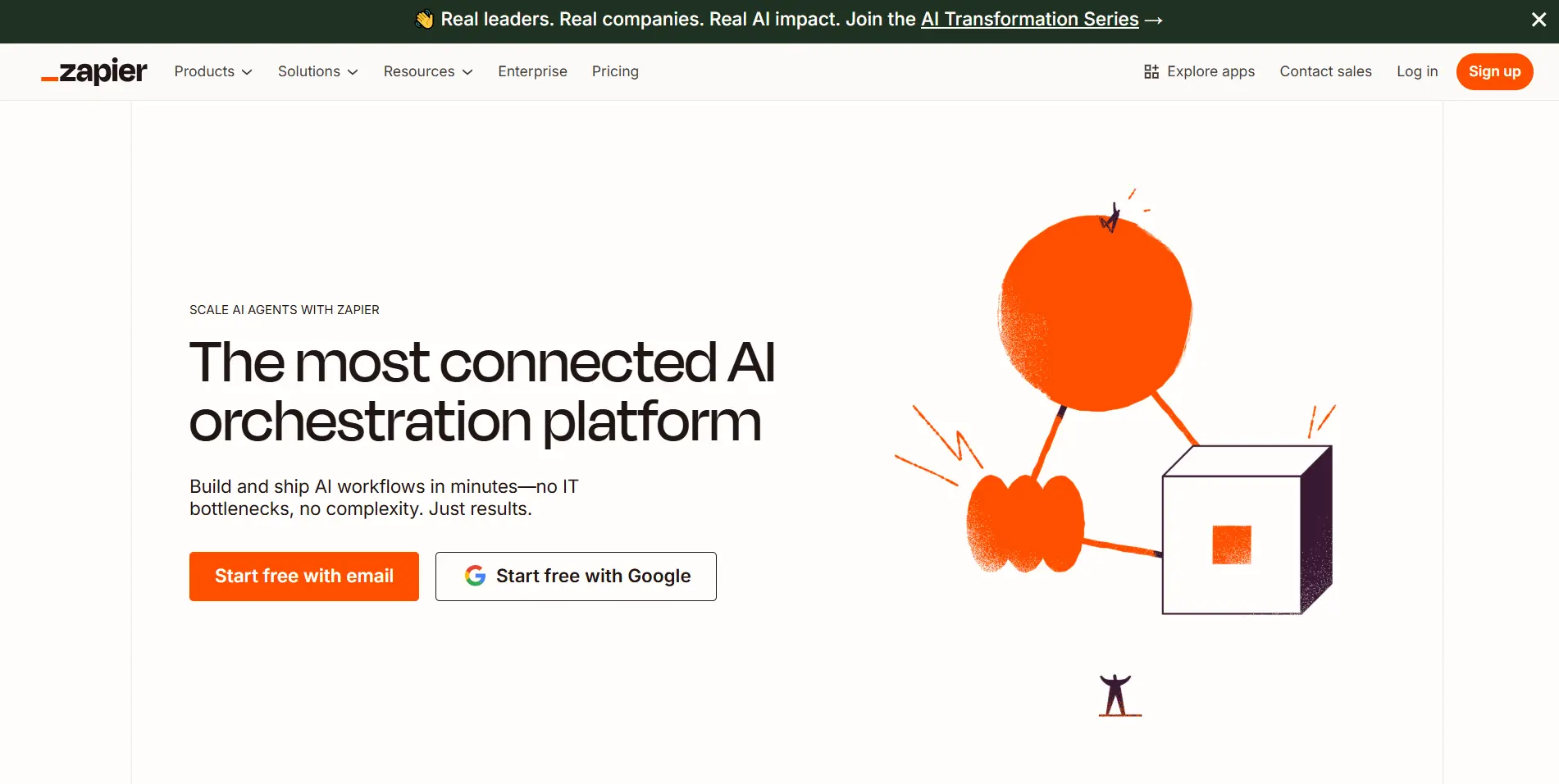
Zapier's defining characteristic is exceptional accessibility. Non-technical users can build functional automations within minutes without understanding API calls, data structures, or programming concepts. The trigger-action model is intuitive—"when this happens, do that"—making automation conceptually simple rather than technically intimidating.
The integration ecosystem is unmatched, with 6,000+ connected apps covering virtually every mainstream SaaS tool. If you use popular software, Zapier almost certainly integrates with it. This breadth means you rarely encounter situations where desired automations are impossible due to missing integrations.
The AI-powered automation building introduced in Zapier Central represents a breakthrough in accessibility. You describe desired automations in natural language—"When I get new LinkedIn leads in the tech sector, research their company and notify me in Slack"—and AI constructs appropriate workflows. This eliminates the need to understand Zapier's interface at all for simple automations.
The reliability and support are enterprise-grade. Zapier handles infrastructure complexity—rate limiting, API authentication, error handling, retry logic—transparently. Users don't think about technical details; automations simply work consistently. For businesses where automation reliability is critical, Zapier's mature infrastructure provides confidence.
The linear workflow model struggles with complex logic. While Zapier added paths and filters, workflows requiring extensive branching, nested conditions, or sophisticated data manipulation become cumbersome. Users building intricate automations often find themselves fighting against Zapier's simplicity rather than benefiting from it.
The pricing model penalizes high-volume usage. Zapier charges per task (automation execution), meaning costs scale directly with usage. Organizations running frequent automations face rapidly escalating bills that make Zapier economically impractical despite its technical adequacy. The sweet spot is moderate automation volume—heavy users find costs prohibitive.
Debugging complex automations is challenging due to limited visibility into workflow execution. When multi-step Zaps fail, understanding exactly where and why problems occur requires careful examination. More technical platforms provide detailed execution logs and debugging tools that Zapier's simplified interface omits.
Advanced data transformation requires workarounds or external tools. While Zapier added code steps, users needing sophisticated data manipulation often resort to external services or custom API calls—defeating the purpose of a no-code platform.
Non-Technical Teams: When users lack technical skills but need reliable automation, Zapier's accessibility makes it the only viable option. Marketing teams, sales operations, HR departments—all can build automations without IT involvement.
Simple Linear Workflows: For straightforward trigger-action automations without complex logic, Zapier's simplicity is an advantage rather than limitation. "When form submitted, add to spreadsheet and send notification" is Zapier's sweet spot.
Integration Breadth Priority: When workflows require connecting niche or newer SaaS tools, Zapier's vast integration ecosystem makes it most likely to support needed connections without custom API work.
Enterprise Reliability Needs: For businesses where automation downtime causes significant problems, Zapier's mature infrastructure, SLAs, and support justify premium pricing.
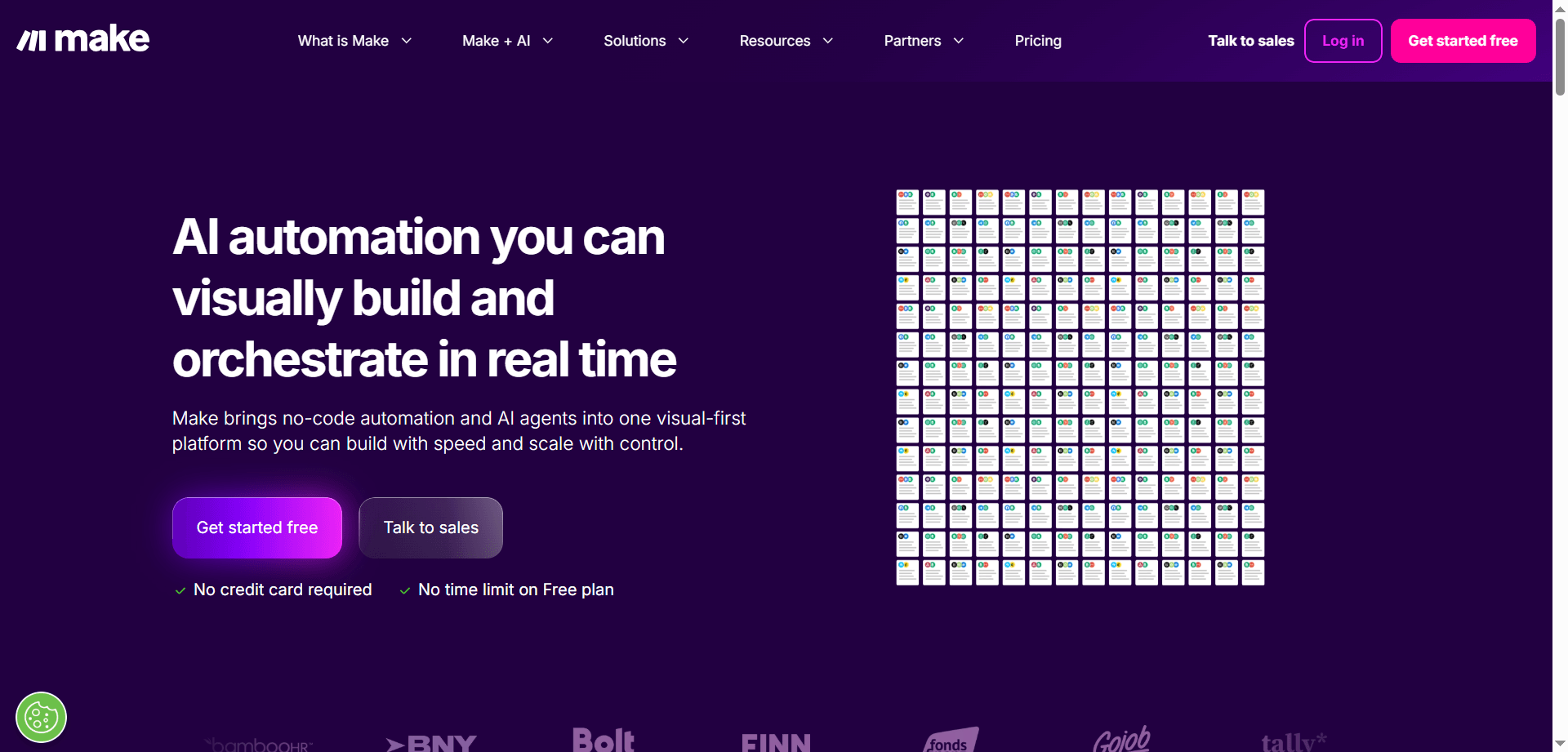
Make's visual workflow builder is remarkably intuitive for complex logic that would be challenging to express in linear tools. Branching paths, conditional routing, parallel processes, and error handling are represented graphically, making sophisticated workflows comprehensible without coding. You see the entire automation structure at a glance rather than scrolling through sequential steps.
The data manipulation capabilities are sophisticated while remaining accessible. Built-in functions handle JSON parsing, array operations, date formatting, text manipulation, and mathematical calculations without requiring code. Users who find Zapier limiting but don't want to write code discover Make provides the perfect middle ground.
The execution detail and debugging tools are superior. Make shows exactly how data flows through each step, what transformations occur, and where failures happen. This transparency makes troubleshooting complex automations tractable rather than frustrating—you can see precisely what's happening at every stage.
The pricing model is more favorable for high-volume automations. Make charges for operations rather than complete automation runs, and the pricing tiers provide more generous allocations than Zapier for equivalent cost. Power users often find Make delivers better value despite steeper learning curves.
The learning curve is significantly steeper than Zapier. Non-technical users often struggle with Make's interface, getting confused by routers, iterators, aggregators, and other concepts unnecessary in simpler tools. What empowers advanced users intimidates beginners.
The integration ecosystem, while substantial (1,500+ apps), is narrower than Zapier's. Users occasionally encounter missing integrations that require custom API work or workarounds. The gap has narrowed over time, but Zapier maintains a meaningful lead in integration breadth.
The AI assistance lags behind Zapier Central's natural language workflow creation. Make added AI features, but they focus on individual module configuration rather than end-to-end automation building. Users still need to understand Make's paradigm rather than just describing desired outcomes.
Documentation and community resources, while improving, remain less comprehensive than Zapier's. When troubleshooting unusual scenarios, finding relevant guides or community solutions is harder in Make's smaller ecosystem.
Complex Workflows: When automations require branching logic, conditional routing, or sophisticated data transformation, Make's visual approach makes complexity manageable without coding.
Power Users: For users comfortable with technical concepts but preferring visual tools over coding, Make provides extensive capability without requiring programming skills.
High-Volume Automations: When running thousands of automation executions monthly, Make's pricing structure typically delivers better value than Zapier's per-task model.
Data-Heavy Workflows: For automations requiring significant data manipulation, transformation, or processing, Make's built-in functions handle complexity Zapier struggles with.
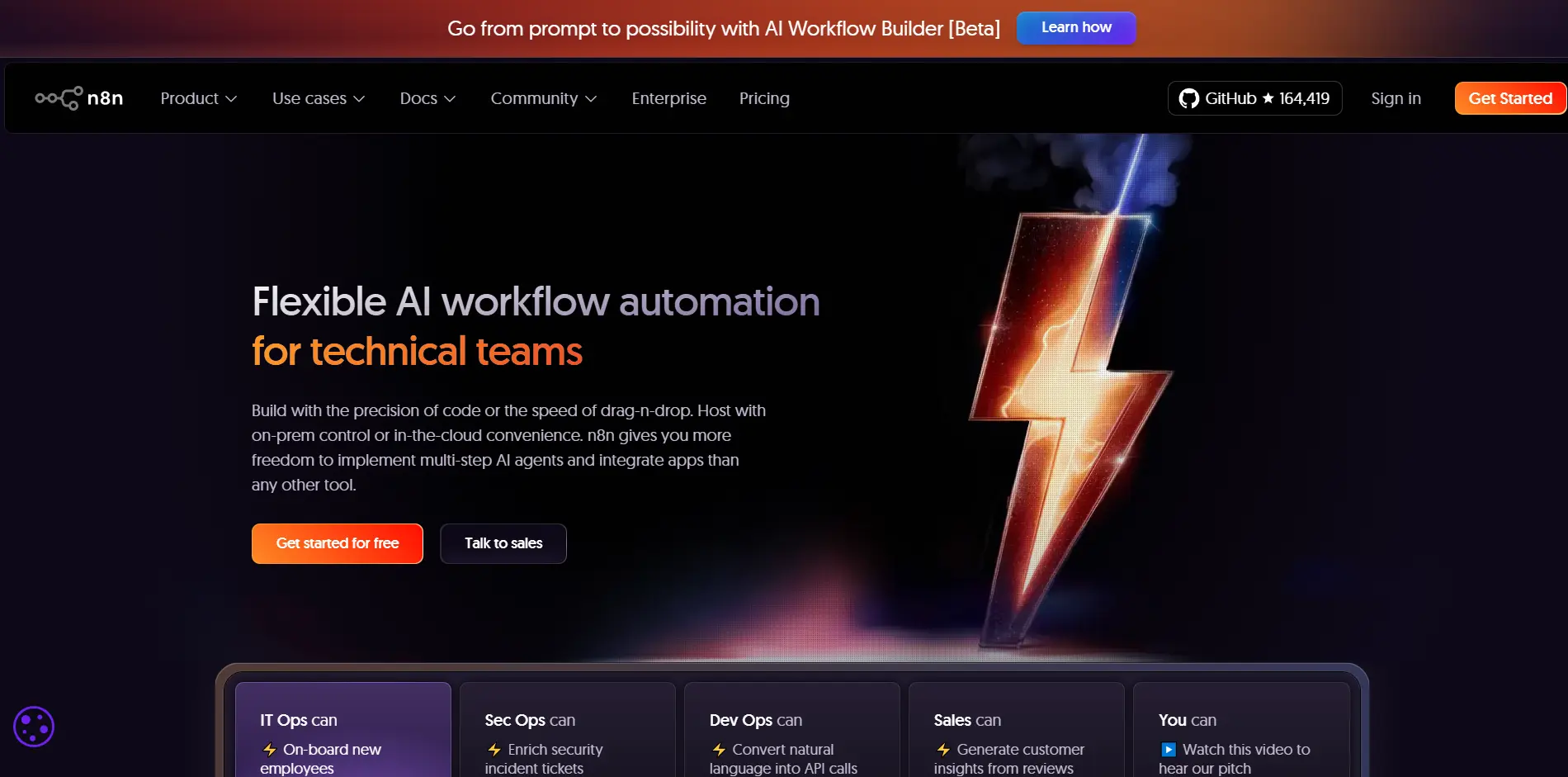
n8n's open-source nature provides complete control over automation infrastructure. You can self-host on your own servers, modify source code, add custom integrations, and avoid vendor lock-in entirely. For organizations with technical capacity and specific requirements, this control is invaluable and impossible with proprietary platforms.
The pricing model is dramatically different—you can run unlimited automations at fixed cost (hosting infrastructure) rather than paying per execution. For high-volume automation users, this eliminates the escalating costs that make Zapier and Make expensive. Technical teams running thousands or millions of automation executions monthly find n8n's economics compelling.
The technical flexibility is unmatched. n8n supports JavaScript code directly in workflows, custom API calls without integration limitations, database queries, and integration with internal systems not exposed to external services. If you can code it, you can automate it in n8n without restrictions imposed by hosted platforms.
The visual workflow interface resembles Make's, providing the benefits of graphical workflow design while maintaining full technical access. You get intuitive visual representation of complex logic combined with the ability to dive into code when needed—the best of both worlds for technical users.
Technical expertise is essentially required. While n8n has improved its accessibility, it remains fundamentally a tool for developers or technically proficient users. Non-technical team members will struggle with setup, configuration, and troubleshooting that hosted platforms handle transparently.
Self-hosting introduces infrastructure responsibilities—server maintenance, security updates, monitoring, backup, scaling. Organizations choosing n8n must invest in infrastructure management that hosted platforms handle automatically. The cloud-hosted n8n option addresses this but eliminates the cost advantages of self-hosting.
The integration ecosystem is smaller (400+ apps) and integrations are less polished than mature platforms. While n8n's technical flexibility means you can integrate anything with API access, pre-built integrations require more configuration and troubleshooting than Zapier's plug-and-play connections.
Enterprise support, compliance certifications, and SLAs are limited compared to established commercial platforms. Organizations with strict compliance requirements or needing guaranteed support may find n8n's community-driven model insufficient despite its technical advantages.
Technical Teams: For developers and technically proficient teams comfortable managing infrastructure, n8n provides unmatched flexibility and cost efficiency.
High-Volume Automations: When running thousands or millions of automation executions, n8n's fixed-cost model delivers dramatic savings compared to per-execution pricing.
Custom Integration Needs: For workflows requiring integration with internal systems, custom APIs, or specialized tools without pre-built integrations, n8n's technical flexibility makes the impossible possible.
Data Sovereignty Requirements: Organizations with strict data locality requirements or prohibitions against external service usage can self-host n8n while maintaining complete control over data.
Zapier's linear trigger-action model is most accessible to non-technical users. The AI-powered natural language automation building further lowers barriers. Make requires understanding of visual workflow concepts, while n8n assumes technical proficiency. For teams without technical skills, Zapier is the only realistic option.
Make's visual representation of branching logic, conditional routing, and parallel processes makes complex workflows manageable. n8n offers equivalent technical capability but requires more manual configuration. Zapier struggles with complexity despite adding paths and filters.
With 6,000+ integrations, Zapier supports virtually every mainstream tool. Make's 1,500+ is substantial but narrower. n8n's 400+ requires custom work for many tools, though technical flexibility compensates somewhat.
For high-volume automation users, n8n's fixed infrastructure cost versus per-execution pricing delivers dramatic savings. Make is more cost-effective than Zapier for heavy usage, but n8n's self-hosted model is cheapest for technical teams at scale.
Open-source code, custom integrations, JavaScript support, and self-hosting provide unmatched flexibility. Make offers good data manipulation without coding, while Zapier's code steps feel like workarounds in a fundamentally non-technical platform.
Make's detailed execution logs showing data transformation at each step make troubleshooting intuitive. n8n provides equivalent technical detail for developers. Zapier's simplified logs often leave users guessing about failure causes in complex workflows.
SLAs, enterprise support, compliance certifications, SSO, admin controls, and audit logs are most mature in Zapier. Make is improving enterprise features rapidly. n8n's enterprise offerings are newest and least comprehensive despite technical capabilities.
Zapier Central's natural language automation building is most advanced, allowing users to describe desired workflows conversationally. Make has AI assist features but they're less comprehensive. n8n lacks significant AI-powered workflow building currently.
Free Plan: 100 tasks/month, single-step Zaps, 15-minute update interval. Sufficient for evaluation but restrictive for real usage.
Professional ($19.99/month): 750 tasks/month, unlimited Zaps, multi-step workflows, webhooks, premium app access. The entry point for serious automation.
Team ($69/month): 2,000 tasks/month, unlimited users, shared folders, premier support. Designed for team collaboration.
Company ($99+ month): 50,000+ tasks/month, advanced admin controls, custom data retention, SSO. For organizations with heavy automation usage.
Cost Characteristics: Predictable for low-moderate usage, but costs escalate rapidly with automation volume. Heavy users can face thousands monthly in subscription costs.
Free Plan: 1,000 operations/month, 15-minute interval, 2 active scenarios. More generous than Zapier's free tier for evaluation.
Core ($9/month): 10,000 operations/month, unlimited scenarios, 1-minute interval. Affordable entry point for regular automation users.
Pro ($16/month): 10,000 operations/month with additional features like full-text search, priority execution, custom variables.
Teams ($29/month): 10,000 operations/month plus team collaboration features, shared workspaces, user management.
Enterprise (Custom): Unlimited operations, dedicated infrastructure, advanced security, premium support.
Cost Characteristics: More cost-effective than Zapier for high-volume usage. Operation-based pricing means complex workflows cost less than Zapier's task-based model.
Self-Hosted (Open Source): Free software, unlimited workflows and executions. Costs limited to infrastructure hosting (typically $20-100/month for small-medium usage).
Cloud Starter ($20/month): 2,500 workflow executions, managed hosting, automatic updates, community support.
Cloud Pro ($50/month): 10,000 workflow executions, priority support, advanced triggers, environment variables.
Cloud Enterprise (Custom): Unlimited executions, dedicated instance, SSO, premium support, SLA guarantees.
Cost Characteristics: Self-hosting provides unlimited executions at fixed infrastructure cost—dramatically cheaper for high-volume users. Cloud hosting competitive with Make but without requiring technical infrastructure management.
The accessibility, pre-built integrations, and reliable support make Zapier the only realistic option for teams without technical skills. While more expensive, the cost is justified by enabling non-technical staff to automate workflows independently without IT involvement. Marketing teams, sales operations, HR departments—all benefit from Zapier's simplicity.
Users comfortable with technical concepts but not wanting to code find Make's visual workflow builder perfect for complex automations. The superior debugging, data manipulation, and cost efficiency justify the steeper learning curve. Operations teams, data analysts, and technical project managers thrive with Make's capabilities.
Technical teams benefit from n8n's flexibility, cost efficiency, and control. Self-hosting eliminates per-execution costs while maintaining complete infrastructure control. Custom integrations, complex data processing, and internal system connectivity make n8n the technical choice. Engineering teams, DevOps, and technical operations prefer n8n's open platform.
Non-technical founders should start with Zapier for accessibility despite higher costs—automation value exceeds subscription costs early on. Technically proficient founders or teams can leverage Make for better cost efficiency. Reserve n8n for later when automation volume makes economics compelling or when custom integrations become necessary.
Large organizations benefit from using multiple platforms strategically. Deploy Zapier for non-technical teams requiring simple automations. Use Make for power users building complex workflows. Implement n8n for technical teams handling high-volume or custom integration needs. This combination maximizes organizational automation capability while managing costs.
When running thousands of automation executions daily, Zapier's costs become prohibitive. Technical teams should self-host n8n for unlimited executions at fixed infrastructure cost. Less technical teams should use Make for superior cost efficiency versus Zapier while maintaining accessibility. The breakeven point is typically 10,000+ monthly executions.
Sophisticated organizations don't choose a single automation platform—they strategically deploy multiple tools based on use case complexity, user technical skills, and cost optimization.
Tier 1 - Simple Automations: Deploy Zapier for non-technical teams building simple linear workflows. Marketing, sales, HR, and administrative teams automate basic workflows without IT support.
Tier 2 - Complex Workflows: Use Make for power users and business analysts building complex multi-step automations with branching logic and data transformation. Operations teams, data analysts, and technical project managers build sophisticated workflows visually.
Tier 3 - Technical Automations: Implement n8n for developers and technical teams handling custom integrations, internal system connectivity, or high-volume automations where cost efficiency matters.
This tiered approach maximizes automation capability across the organization while optimizing costs and matching tool complexity to user skill levels.
Low-Volume Automations: Use Zapier regardless of complexity—subscription costs are modest and simplicity justifies premium pricing.
Medium-Volume Complex Workflows: Migrate to Make when automation volume exceeds 5,000-10,000 monthly executions and workflows require branching logic.
High-Volume Automations: Deploy n8n (self-hosted) when execution volume exceeds 50,000+ monthly or costs in Zapier/Make become prohibitive relative to infrastructure hosting costs.
Strategic platform selection based on usage patterns can reduce automation costs by 50-80% while maintaining or improving capability.
Many organizations begin with Zapier for accessibility, then migrate complex or high-volume automations to Make or n8n as needs evolve:
Zapier to Make Migration: Move workflows requiring complex logic or running high volumes. Retain simple automations in Zapier for non-technical users while power users leverage Make's enhanced capabilities.
Make to n8n Migration: Migrate high-volume workflows to self-hosted n8n when per-execution costs become prohibitive. Keep complex workflows requiring frequent adjustment in Make's visual interface.
Gradual Adoption: Build new automations in target platform while legacy workflows remain in original platform. Migrate workflows opportunistically during enhancement or troubleshooting rather than all at once.
Example: "When form submitted in Google Forms → Add row to Google Sheets → Send Slack notification"
Example: "Email received → Extract attachments → If PDF → Upload to Drive → Else → Archive in Dropbox → Send summary notification"
Example: "Webhook received → Parse JSON → Query database → Transform data → Call custom API → Return response"
Pattern: Form submission → CRM creation → Enrichment → Notification → Nurture sequence
Best Platform: Zapier for simplicity if linear, Make if lead routing requires branching logic
Example: "Contact form submitted → Create HubSpot contact → Enrich with Clearbit data → Notify sales rep in Slack → Add to email sequence → Schedule follow-up task"
Pattern: Content creation → Approval → Multi-channel distribution → Analytics
Best Platform: Make for complex multi-channel logic and approval workflows
Example: "Article published in CMS → Notify editor → If approved → Post to LinkedIn, Twitter, Facebook → Schedule newsletter → Update analytics dashboard"
Pattern: Order received → Inventory check → Payment processing → Fulfillment → Customer notification
Best Platform: n8n for high-volume stores with custom inventory systems, Make for moderate volume with standard platforms
Example: "Shopify order → Check inventory in database → If available → Process payment → Create shipment → Send tracking email → Else → Backorder notification"
Pattern: Ticket creation → Classification → Routing → Response → Escalation
Best Platform: Make for conditional routing and classification logic
Example: "Zendesk ticket created → Analyze sentiment → If negative → Flag urgent → Assign to senior agent → Else → Route by category → Send auto-response"
Pattern: Change in System A → Transform data → Update System B → Verify sync
Best Platform: n8n for high-volume sync or custom systems, Make for standard platform sync
Example: "CRM contact updated → Transform field structure → Update email platform → Query both systems → Verify data matches → Log to monitoring"
Zapier: Built-in automatic retry with configurable attempts. Limited custom error handling without workarounds.
Make: Visual error handlers, custom retry logic, alternative pathways on failure. Sophisticated error management without coding.
n8n: Complete control over error handling through code. Custom retry logic, logging, notifications, and recovery procedures.
Zapier: Handles rate limiting automatically but provides limited control over timing and request distribution.
Make: Built-in rate limiting respect with configurable delays between operations. Visual queuing for API call management.
n8n: Complete control through custom code. Implement sophisticated rate limiting, exponential backoff, and request queuing.
Zapier: Basic formatting functions plus code steps for custom logic. Limited data processing capability.
Make: Extensive built-in functions for JSON, arrays, text, dates, math. Sophisticated data transformation without coding.
n8n: JavaScript support enables unlimited data transformation. Custom parsing, complex calculations, data validation.
Zapier: Paths provide basic branching. Complex nested conditions become cumbersome.
Make: Visual routers and filters make complex conditional logic intuitive. Multiple branching paths clearly represented.
n8n: Conditional nodes plus JavaScript for unlimited complexity. Visual representation similar to Make with coding power.
The automation platform landscape continues evolving rapidly, with several trends shaping the future:
Zapier Central's natural language automation building represents the future—describing desired workflows conversationally rather than manually configuring. Expect Make and n8n to develop similar AI-powered workflow creation, making automation accessible to progressively less technical users while maintaining power for advanced users.
Future automation will be less about static workflows and more about AI agents that adapt to circumstances. Rather than "when X happens, do Y," automations will be "accomplish goal Z using whatever means appropriate given current circumstances." This shift from deterministic to adaptive automation will require platforms supporting AI decision-making within workflows.
Automation capabilities will become increasingly embedded in SaaS tools themselves rather than requiring separate platforms. Tools like Notion, Airtable, and Salesforce already include substantial automation capability. Standalone platforms will focus on cross-tool orchestration rather than simple single-app automations.
The distinction between real-time and batch automation will blur. Current platforms typically process automations individually as triggers occur. Future platforms will intelligently batch related operations for efficiency while processing urgent automations immediately—optimizing for both cost and responsiveness.
n8n's success validates the open-source automation model. Expect more open-source alternatives providing self-hosting, customization, and cost efficiency for technical teams. This will pressure commercial platforms to improve pricing and flexibility to compete with open alternatives.
The question "Which automation platform is best?" has no universal answer—it depends entirely on your technical capacity, workflow complexity, integration requirements, and usage volume. Zapier serves non-technical users building simple automations with maximum accessibility. Make empowers power users building complex workflows visually without coding. n8n provides developers and technical teams with unlimited flexibility and cost efficiency.
For most organizations, the optimal strategy isn't choosing a single platform but deploying multiple tools strategically. Use Zapier for simple automations by non-technical teams, Make for complex workflows by power users, and n8n for technical automations with custom integration needs. This multi-platform approach maximizes organizational automation capability while optimizing costs and matching tool complexity to user skill levels.
Start with the platform matching your current technical capacity and automation complexity. Zapier is the safe default for non-technical users—its accessibility justifies premium pricing when automation volume is moderate. Graduate to Make when workflows require complex logic or execution volume makes Zapier's pricing painful. Adopt n8n when technical capacity exists and automation volume justifies infrastructure investment or custom integrations become necessary.
The automation journey typically follows this progression: manual processes → simple Zapier automations → complex Make workflows → custom n8n integrations. Each stage requires different tooling appropriate to evolving sophistication. Don't force premature adoption of technical platforms before you're ready, but don't remain on simple platforms longer than necessary when your needs outgrow them.
The automation platform you choose matters less than developing the automation mindset—continuously identifying repetitive processes, designing workflows to eliminate manual work, and leveraging technology to multiply human capability. The best automation platform is the one you'll actually use consistently to eliminate friction from your workflows, whether that's Zapier's simplicity, Make's visual power, or n8n's technical flexibility.
Discover the essential AI tools dominating 2026 that will transform your productivity. From ChatGPT to Cursor, learn which tools will help you work faster and smarter.

Discover the top AI tools revolutionizing content creation in 2026. From video editing to social media management, learn which tools will transform your creative workflow.

Discover how modern professionals are transforming from manual app-switching to AI-powered integrated orchestration. Learn the tools and strategies that eliminate workflow friction and multiply daily productivity.

Discover how the software development landscape has transformed from AI-assisted coding to Agentic Engineering. Learn about the best AI tools developers use in 2026 to manage fleets of AI agents for autonomous development.